
People cannot join a RiLiFi session: fixes
Most join problems come from an old PIN, a session that has ended or a full room. Find the message people see below. Each section gives the cause and the fix.
Check these first
- Open the activity's page and look for the live card with the Live chip. No live card means there is no session to join. Press Go live.
- Compare the PIN people typed with the PIN on the live card, character by character.
- Send people to rilifi.com/join, or share Copy join link, so nobody lands on an old page.
- Join from your own phone. If you get in, the problem is on the other person's phone or network.
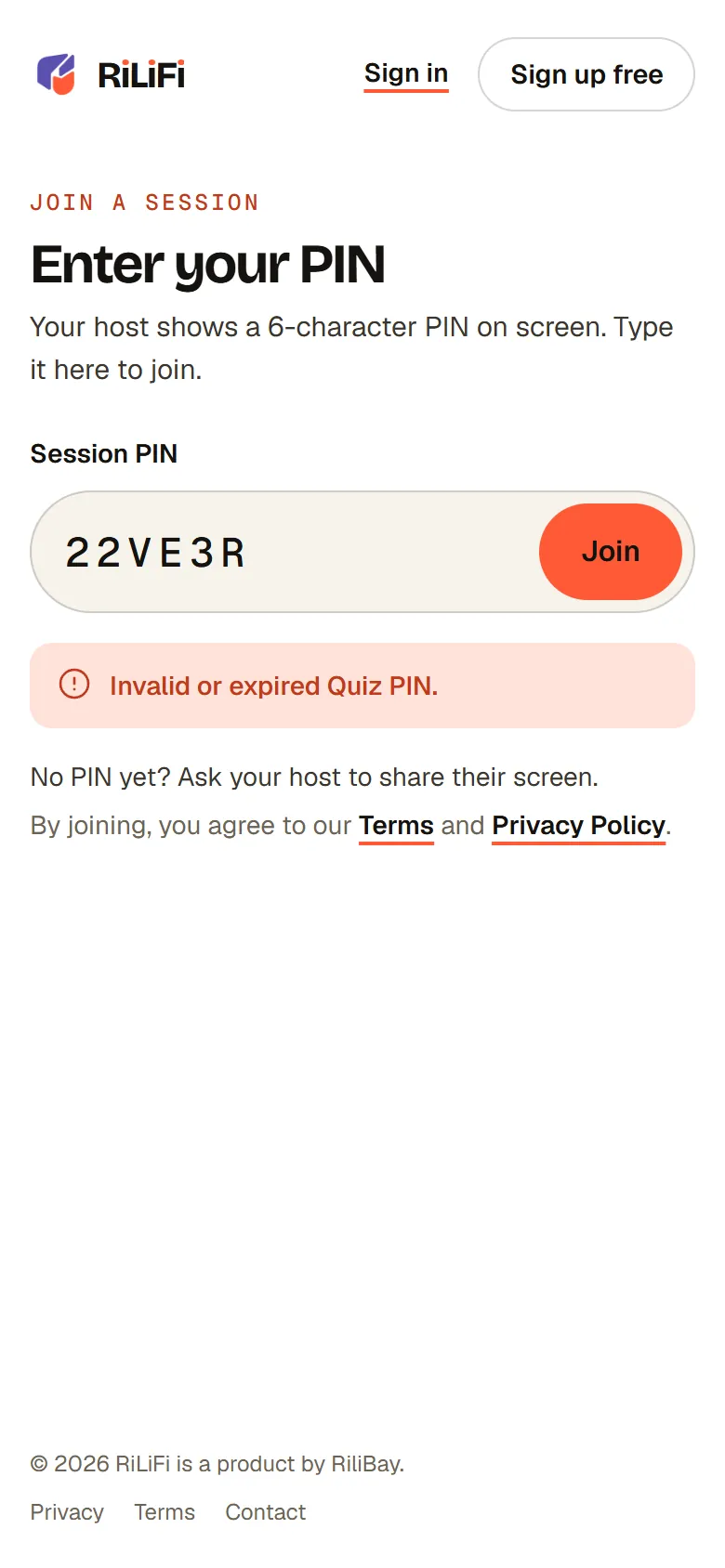
"Invalid or expired PIN"
Cause: the PIN was typed wrong, or it belongs to a session that has ended. Each session gets a new PIN, and a PIN stops working when its session ends. A quiz shows Invalid or expired Quiz PIN. A PIN on an old slide, a printout or last week's email no longer works.
- Read the PIN from the live card or the host screen now, and type all 6 characters.
- Check the first two characters match the activity: 11 poll, 22 quiz, 44 word cloud, 55 Q&A, 66 presentation.
- The last four characters never include 0, O, 1, I or L. If someone typed one of those, they misread a character.
- Update the PIN on your slides each time you go live, or share the join link instead.
- On the join page, Enter a PIN with 6 characters. means the PIN is too short, and Use letters and numbers only. means a symbol slipped in.
The session has ended
Cause: a session ends when the host presses End, after 3 hours with no activity, or 24 hours after it started. A quiz phone then shows This quiz has ended.
Fix: go live again from the activity's page. This starts a new session with a new PIN, and it counts as one live session on your plan. Share the new PIN.
Tip:To run the same activity again straight after, use Play again on the quiz host screen or Run it again on the poll host screen. Each starts a fresh session in one step.
"Limit reached": the room is full
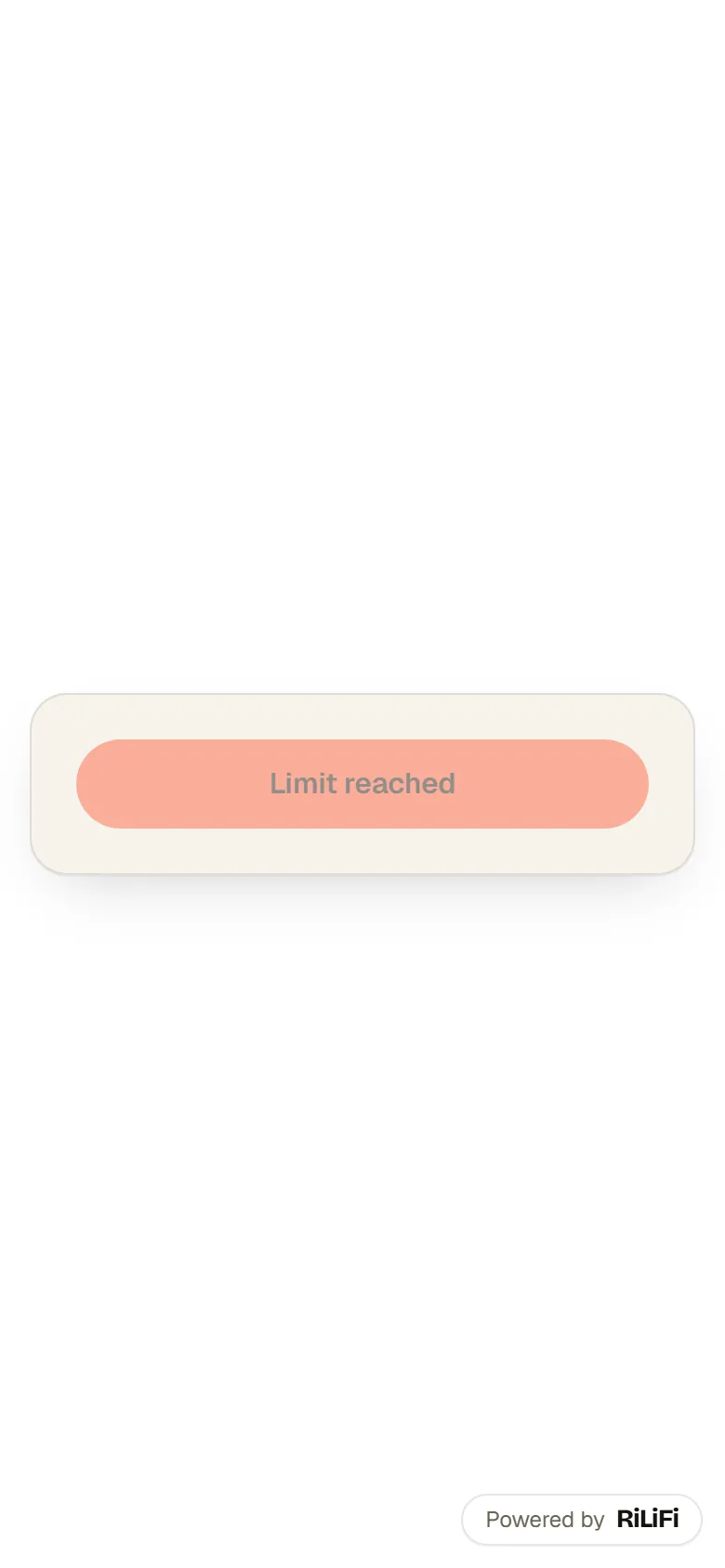
Cause: each plan caps how many people can join one session. When the room is full, the join button reads Limit reached for the next person. A presentation says This presentation is full. On the host screen, the people count shows the room is full, with a line like Pro fits 1,000. and Upgrade.
Fix: upgrade the plan of the account that owns the activity, then refresh the host screen. People already in the room can still rejoin, so a dropped phone gets back in. See Plans, limits and billing.
| Plan | People in one session | Note |
|---|---|---|
| Free | 100 | Every new account starts here. |
| Creator | 500 | |
| Pro | 1,000 | |
| Enterprise | 5,000+ | Per license. |
Name problems
- Use 1 to 50 characters.: the name is empty or too long.
- Use letters, numbers, spaces and ' - . only.: the name has an emoji or a symbol, or starts with - or a full stop. Type a plain name.
- This name is already taken. Please choose another.: someone in this poll, Q&A or word cloud has the same name, whatever the capitals. Add a last initial.
- In a quiz, a taken or offensive name is swapped for a made-up one when the player joins. They can change it once in the lobby.
- In a Q&A or word cloud with names on, people who tapped Not now can read along but need a name to post.
The QR code or link does not open
- A QR code and a join link hold one session's PIN. A code saved from an earlier session opens an expired PIN. Press Download PNG again each time you go live.
- Click the code on the live card or host screen to show it bigger, so phones at the back can read it.
- If a camera does not react, people can type the PIN at rilifi.com/join instead.
- A spin wheel has no join code. Everyone watches the big screen.
Work, school and venue networks
Cause: RiLiFi keeps a live connection open between each phone and our servers. Some work, school and hotel networks block it, or block our addresses. Phones then fail to load, or show Reconnecting to your host… for a long time.
- Ask people to switch from Wi-Fi to mobile data, or to a guest network.
- Ask the network team to allow rilifi.com and its subdomains (*.rilifi.com), including live (WebSocket) connections.
- Test from one phone on the venue network before the session starts.
- A phone that loses its connection retries on its own for a short while. If it gives up, reload the page.
The host screen looks stuck
Close the host screen and press Open host screen on the live card or under Live now on Home. The session keeps running while the screen is closed, and the host screen picks it up again.
Still stuck
Press Help in the top bar, then New case, and tell us the PIN, the time and the message people saw. We reply on the case and by email, usually within 24 hours. See Support cases.
- Keyboard shortcuts for RiLiFi host screens: every key on the quiz, poll, word cloud, Q&A, wheel and presentation screens.
- How people join a RiLiFi session: what each phone screen shows.
- AI is turned off: when Plan a session or Generate with AI is missing.
More in Troubleshooting and shortcuts
- Keyboard shortcuts for RiLiFi host screensEvery keyboard shortcut on RiLiFi host screens: quiz, poll, word cloud, Q&A, spin wheel and presentations, plus undo, redo and slide keys in the editors.
- "AI is turned off for your account": what to doWhy RiLiFi turns AI off for an account after several unsafe requests, how to ask for it back with a support case, and what keeps working in the meantime.
Common questions
Why does my RiLiFi PIN say invalid or expired?
How many people can join a RiLiFi session?
Can someone rejoin a RiLiFi session after losing connection?
Why does RiLiFi not load on our office Wi-Fi?
Was this article helpful?
Screenshots show the RiLiFi app as of 8 Nov 2026, with demo content.
Still stuck? Raise a support case from your account, or email hello@rilifi.com with what you were trying to do.