Are RiLiFi live Q&A questions anonymous?
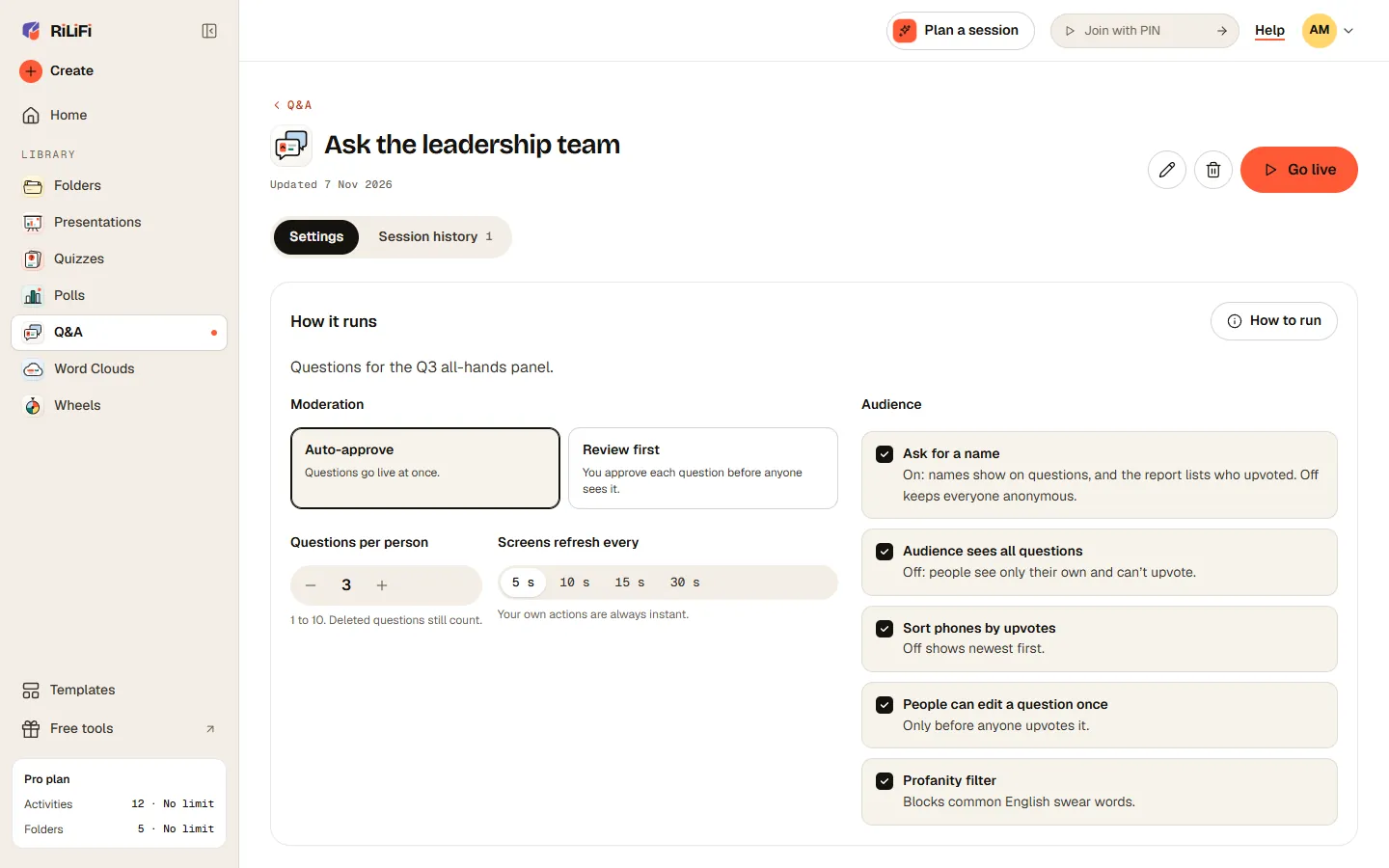
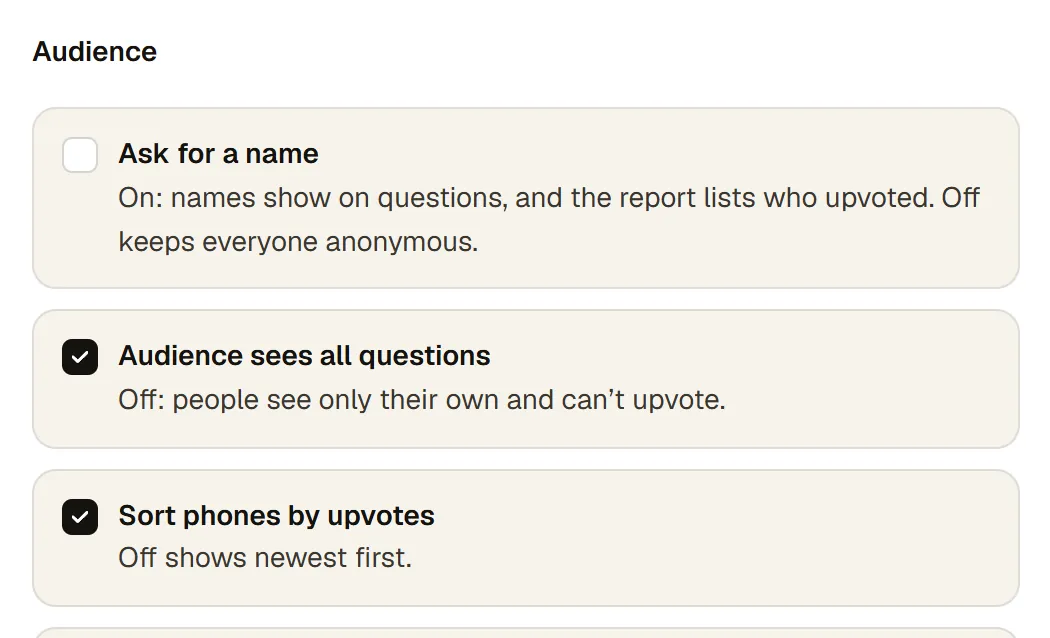
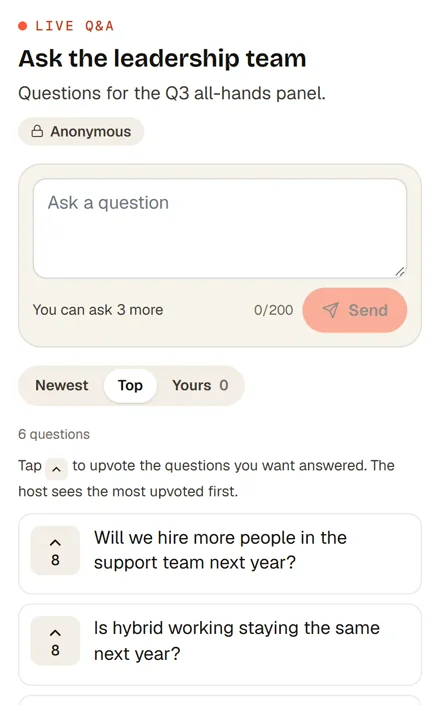
Yes, by default. In RiLiFi live Q&A, leave "Ask for a name" off and no names are collected. Turn it on and names show on questions, and the report lists who upvoted.
Can I approve RiLiFi Q&A questions before they appear?
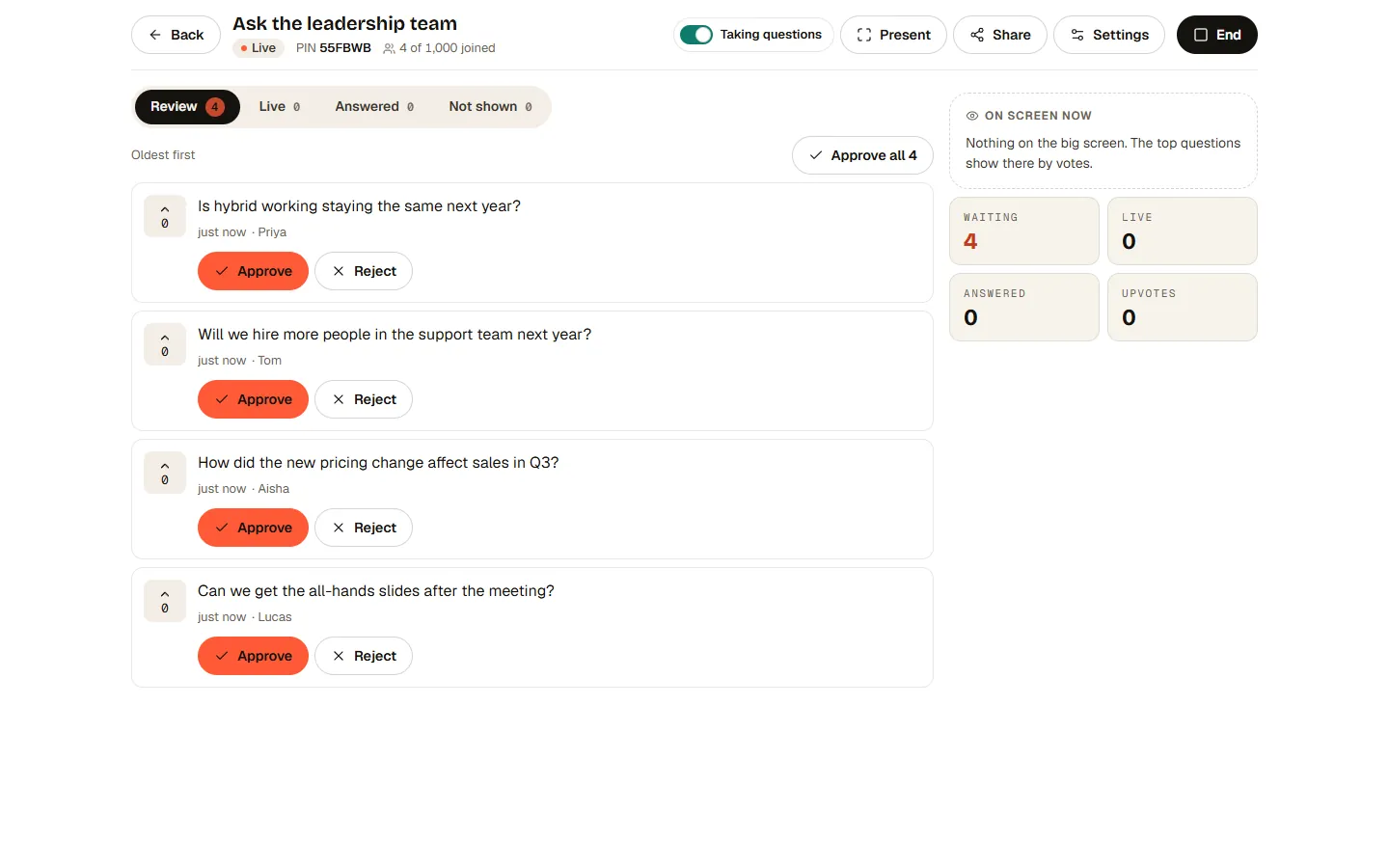
Yes. Set RiLiFi Q&A moderation to "Review first" and each question waits for you to approve it. "Auto-approve" sends questions live at once. Review first is on Creator, Pro and Enterprise. On Free, Q&A runs on auto-approve.
How many questions can one person ask in RiLiFi Q&A?
The host sets the limit in RiLiFi Q&A, anywhere from 1 to 10 questions per person, 3 by default. Deleted questions still count toward it.
Can people edit a question in RiLiFi Q&A?
Yes, once, if you allow it. A question can be edited only before anyone upvotes it, so a popular question cannot be rewritten.
Who can moderate a RiLiFi Q&A?
Whoever starts the RiLiFi Q&A session: you, or a teammate you shared the folder with. A laptop and a phone can moderate at once, and the first action wins.
Can I moderate RiLiFi Q&A from my phone?
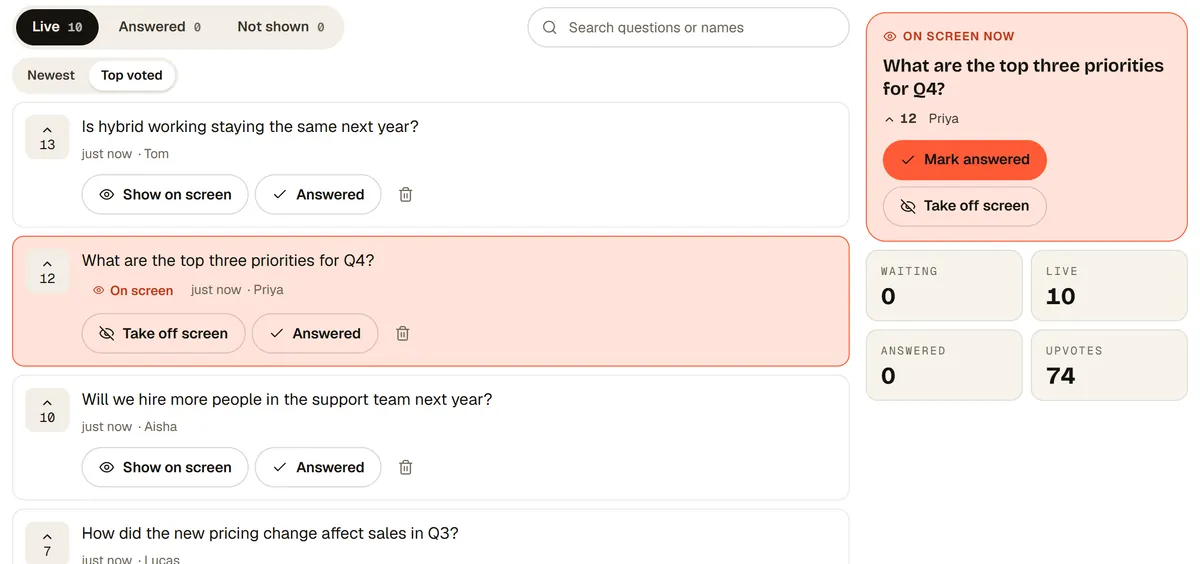
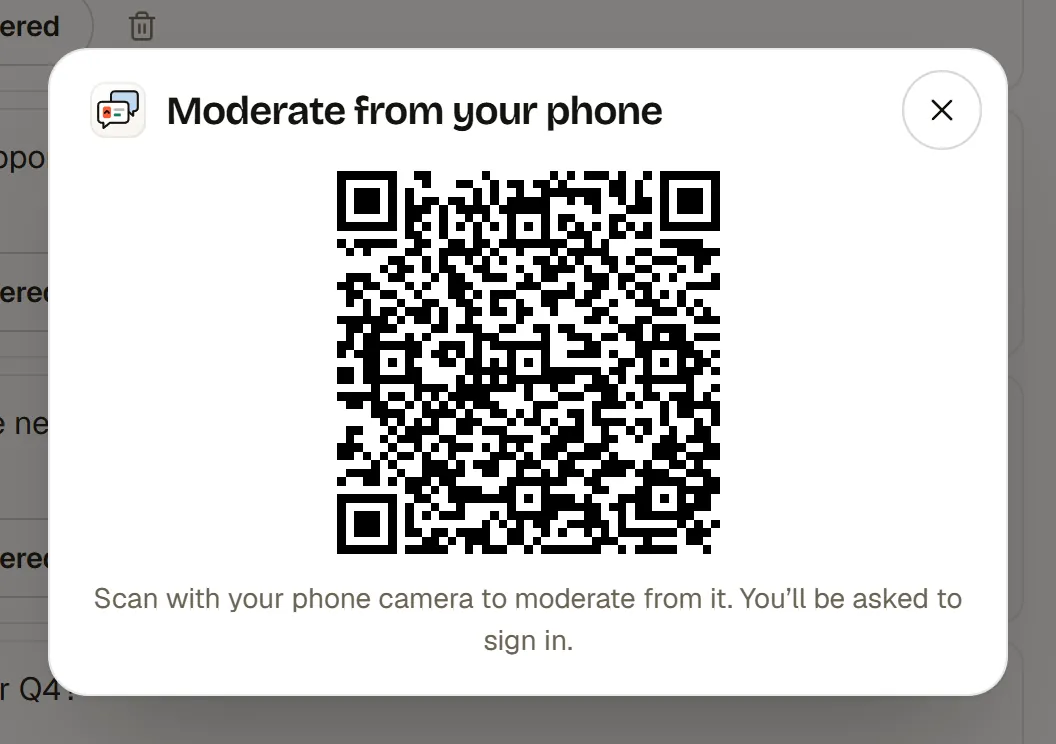
Yes, on every plan. In the Moderate view, open Moderate from your phone, scan the code and sign in. Approve, put questions on screen and mark them answered from your phone.
Can I take questions during a RiLiFi presentation?
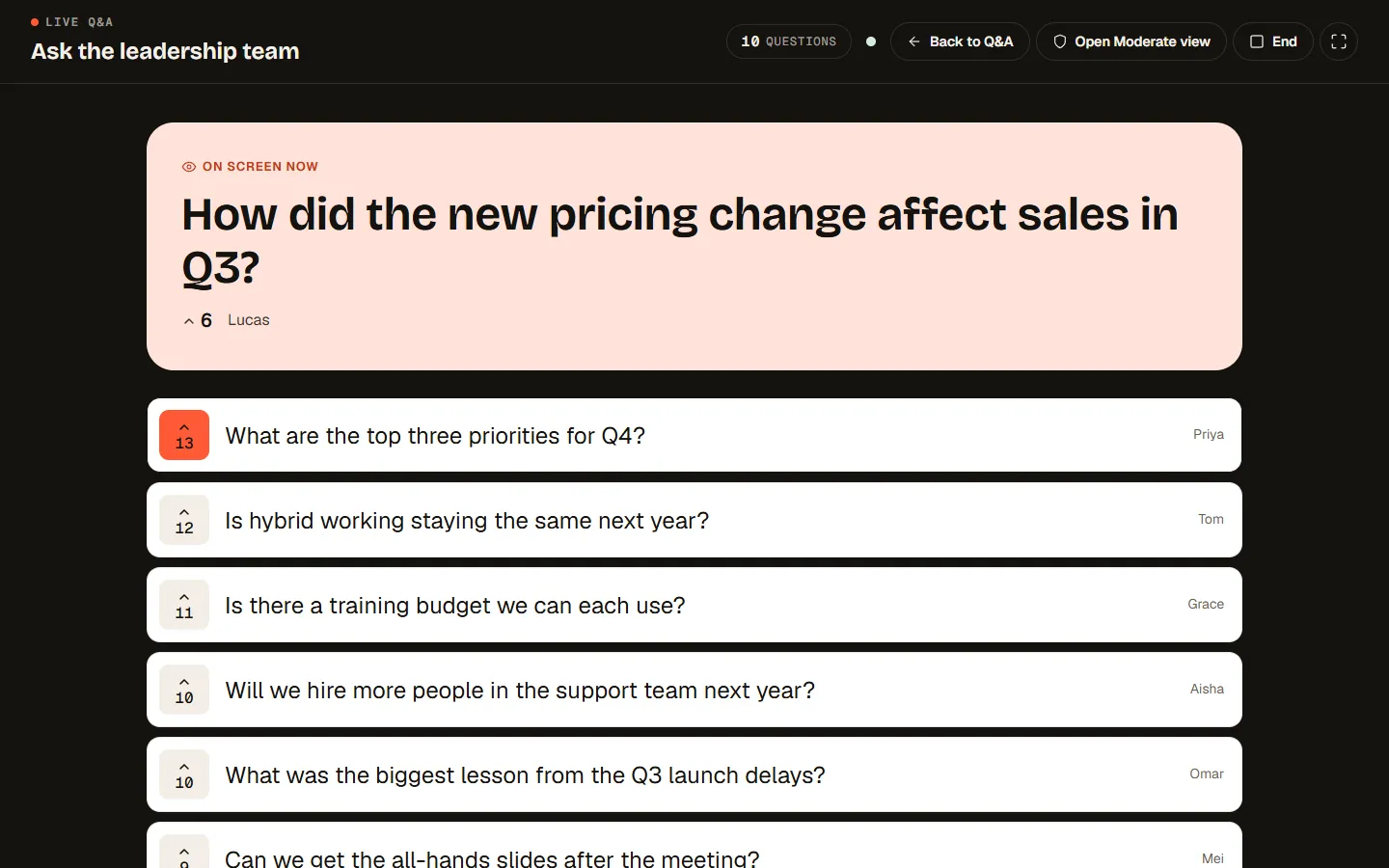
Yes. Turn on Q&A for the presentation and the room asks with the same PIN. A Q&A slide shows the questions with their upvotes, and you moderate from the Q&A drawer on the presenter screen.
Can I use RiLiFi for a town hall or conference Q&A?
Yes. For a town hall Q&A, leave names off so people ask freely, and turn on Review first (Creator, Pro and Enterprise) to check each question before it reaches the screen. For a conference Q&A, put one PIN on the big screen: the hall asks and upvotes, and the moderator reads the top question.
Do attendees need an app to join RiLiFi Q&A?
No. Attendees join RiLiFi Q&A from a phone browser with the PIN, a QR code or a link. There is nothing to install.