Education
Classrooms that answer back.
Quick checks for understanding, quiz-based revision and a fair wheel to pick who goes next.
For educators →Audience engagement and presentation platform
Run a live quiz with a leaderboard, a poll or an anonymous Q&A in seconds. Or turn a PDF of your slides, or one sentence, into an interactive presentation in minutes. People join on their phones with a PIN. No app.
What are you running next?
go on, vote
Interactive presentations
Build the deck in RiLiFi and the room answers it slide by slide, on their phones. Live quizzes, polls, word clouds and Q&A still work on their own too.
Free for 100 people per session
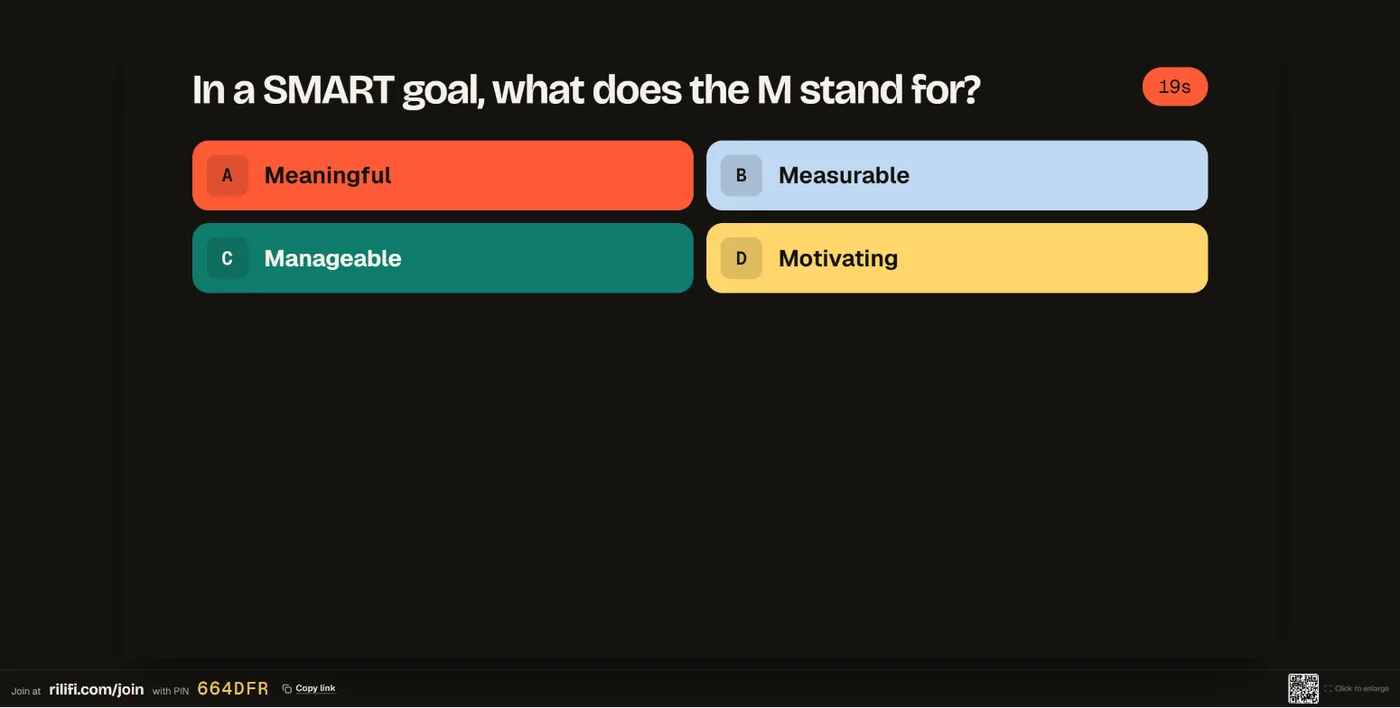
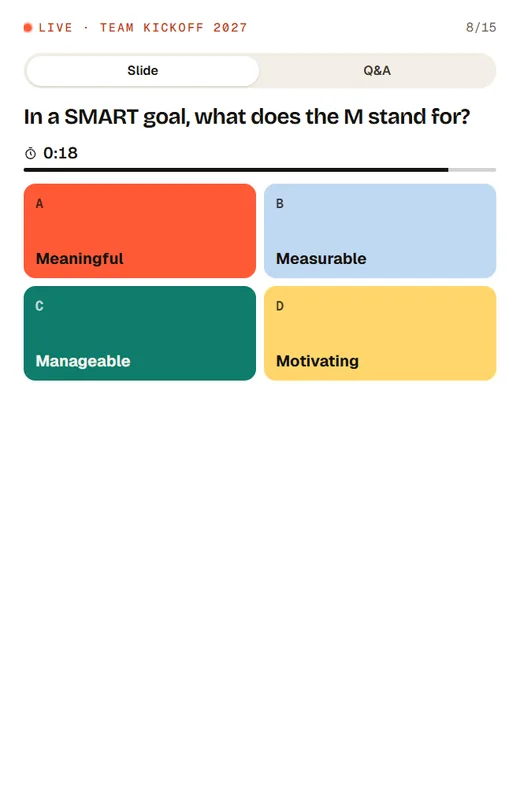
No presentation clicker to buy, pack or forget. Scan the QR code on the presenter screen, and your phone runs the deck while you walk the room.
On Creator, Pro and Enterprise. On the free plan you present from your laptop with the arrow keys.
See how presenting works →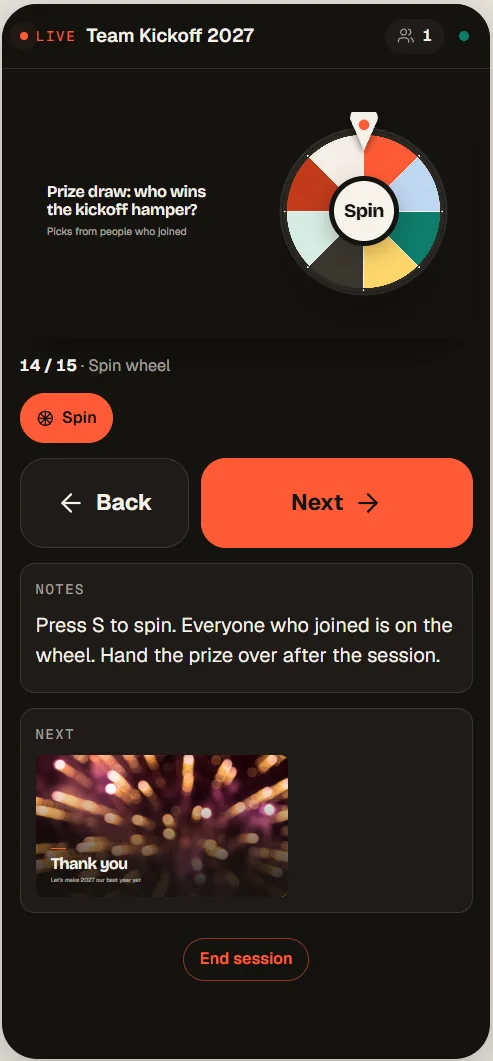
One workspace
Everything below is the real flow, rebuilt in the page. Press next, answer, vote, upvote, add a word, spin.
Phone remote · 1/4
Team kickoff 2027
Welcome everyone. Ask them to scan the QR code.
Up next Which goal should we start with?
tap Next to move the slides
Run the deck from your phone.
The journey
Scroll through a few years with one host. The tools grow with the room, and nothing is ever lost.
Year one · Monday stand-up
A quick anonymous poll before the stand-up. Everyone answers from their phone with a PIN: no app, no account.
Year one · The team joins
Smart Folders hold every quiz, poll and wheel for the event. Invite teammates by email, so nothing is stuck on one laptop.
Year two · Onboarding & training
Timed questions, a speed bonus and a live leaderboard. Training stops feeling like a lecture.
Year three · The all-hands
Anonymous Q&A with upvotes surfaces the questions people actually have. A word cloud shows the mood in seconds.
Every year · Memory
Each session lands in your archive: who joined, who answered what, score distribution and leaderboard. Export to CSV whenever you need it.
How was your weekend?
How a session works
No downloads for your audience. They open a link or scan a QR code, type their name (or stay anonymous) and they are in.
Create in a folder
Quiz, poll or wheel
Share a PIN
or a QR code, or a link
Go live
Everyone answers from their phone
tip: one folder per event keeps it all together
every answer, in real time
Session archive
Every session is archived the moment it ends, so you can prove what happened to a sponsor, a manager or a compliance team.
| # | Name | Score | Accuracy |
|---|---|---|---|
| 1 | Aiko Tanaka | 118 | 100% |
| 2 | Femi Adeyemi | 112 | 92% |
| 3 | Priya Raman | 109 | 92% |
| 4 | Tomás Ruiz | 97 | 83% |
Built for
The same four tools, tuned to very different rooms.
Quick checks for understanding, quiz-based revision and a fair wheel to pick who goes next.
For educators →Anonymous Q&A for town halls, pulse polls for team meetings and training quizzes your L&D team can back up with data.
For teams →One PIN for the whole hall. Run Q&A, polls and prize draws straight from the stage.
For events →Trivia rounds, polls and giveaway wheels your audience joins from their phone.
For creators →Hosting a pub quiz or office trivia? Trivia night app →
Why teams switch
Quiz in one app, Q&A in another, word cloud in a third. RiLiFi puts them in one workspace your whole team shares.
 RiLiFi
01
Every session, on the free plan, with all five activities, the live dashboard, and anonymous polls, Q&A and word clouds. Mid-size rooms are not cut off by a paywall.
See pricing →02
No forced annual lock-in for a tool you use a few times a quarter.
Compare with Slido →03
Share quizzes, polls and wheels instead of emailing one person’s file.
Compare with Kahoot! →Type one sentence, or add a PDF or photos. RiLiFi drafts a quiz, poll, spin wheel, word cloud, Q&A or a whole session, and you check it before anything is saved.
Prefer something ready-made? Browse quiz templates
From the blog
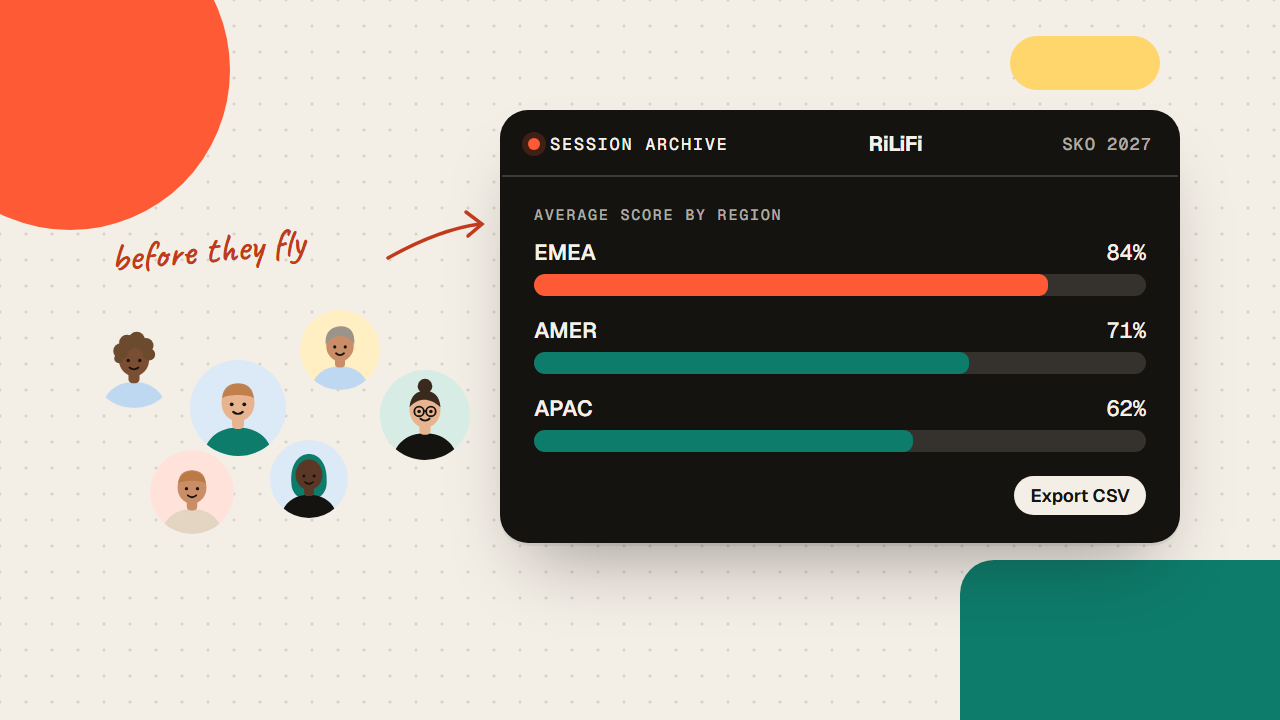
A sales kickoff product knowledge quiz shows which reps learned the new pricing before they fly home. Ten scored questions per region, an archived average each.
 Aman Yadav 3 views
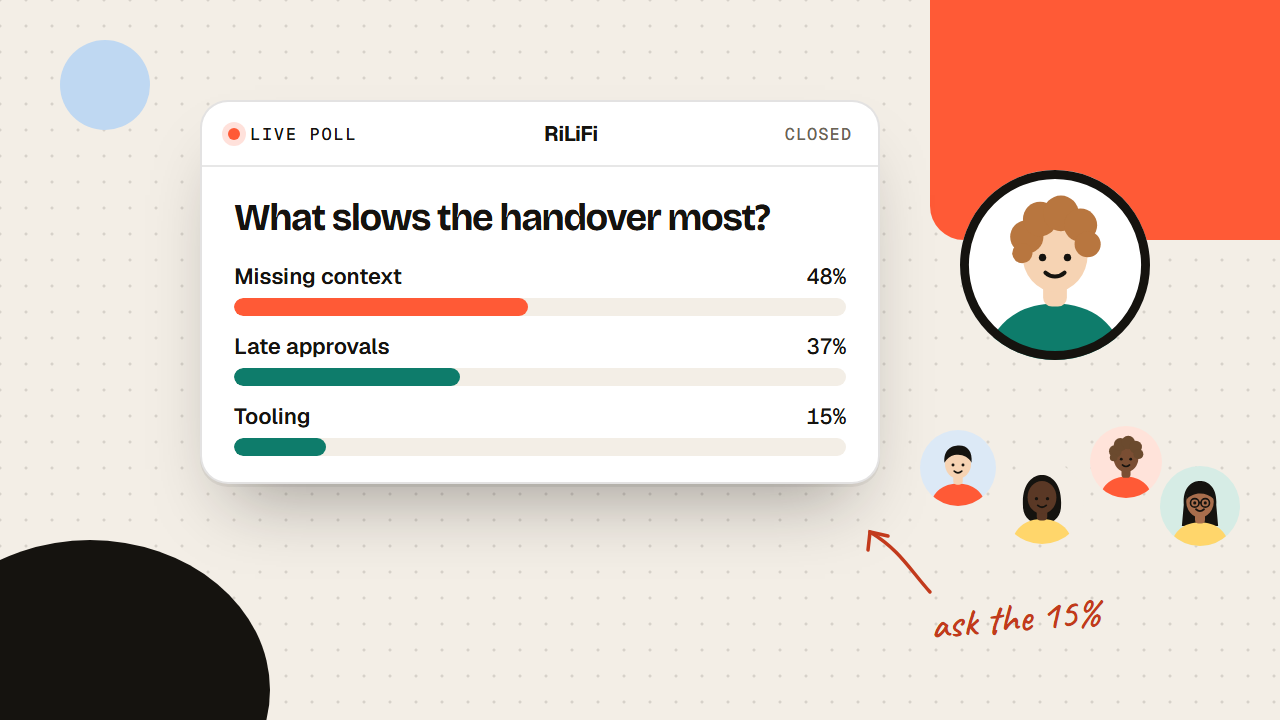
How to present live poll results so the room learns something: name the split, give the smallest bar the microphone, hold the chart, then bridge.
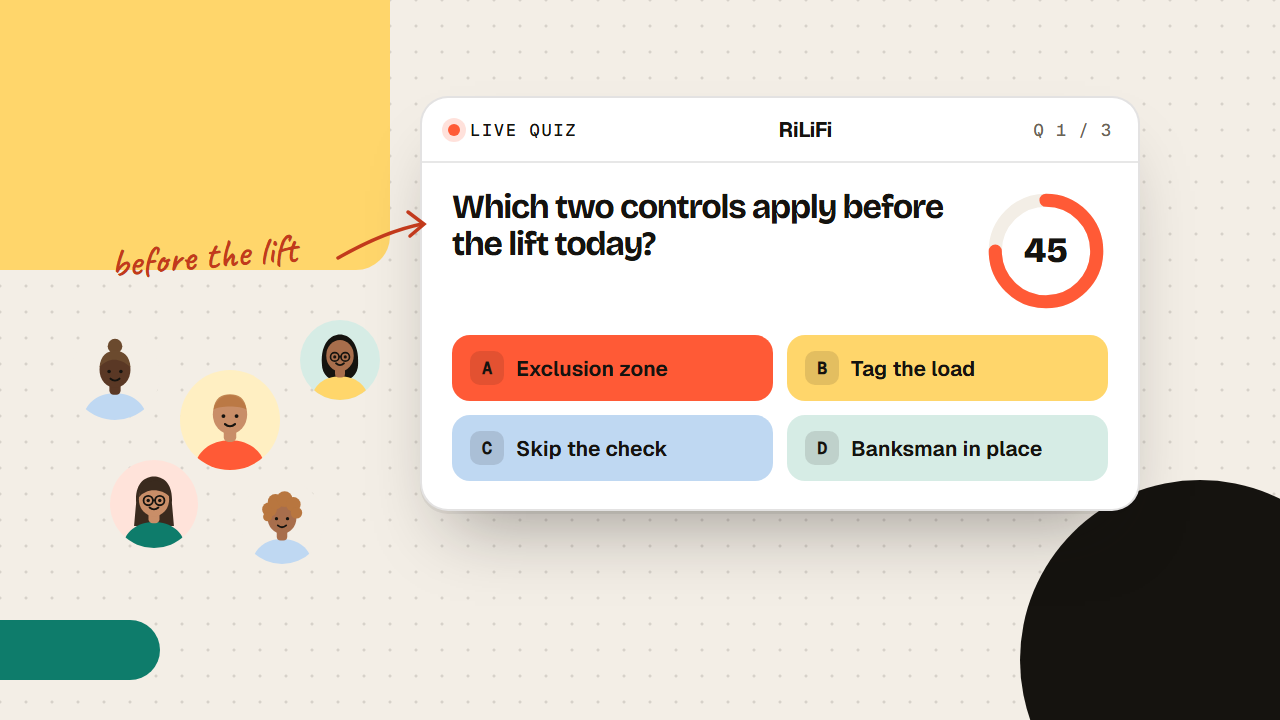
A toolbox talk quiz turns a signature into proof the crew understood the hazard. Three multiple-correct questions on their phones, four minutes, a CSV record.
Aman Yadav 5 viewsYour turn
Start free with 100 participants per session. Upgrade monthly when the room grows.