Do people need an app to answer a RiLiFi presentation?
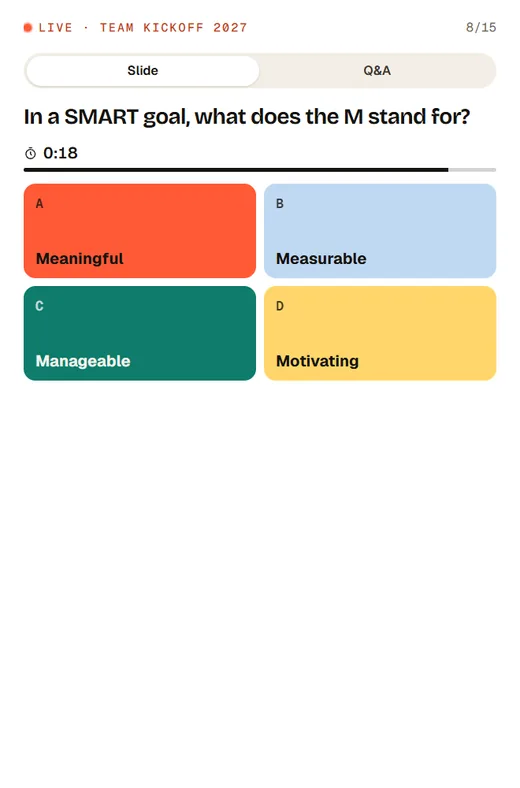
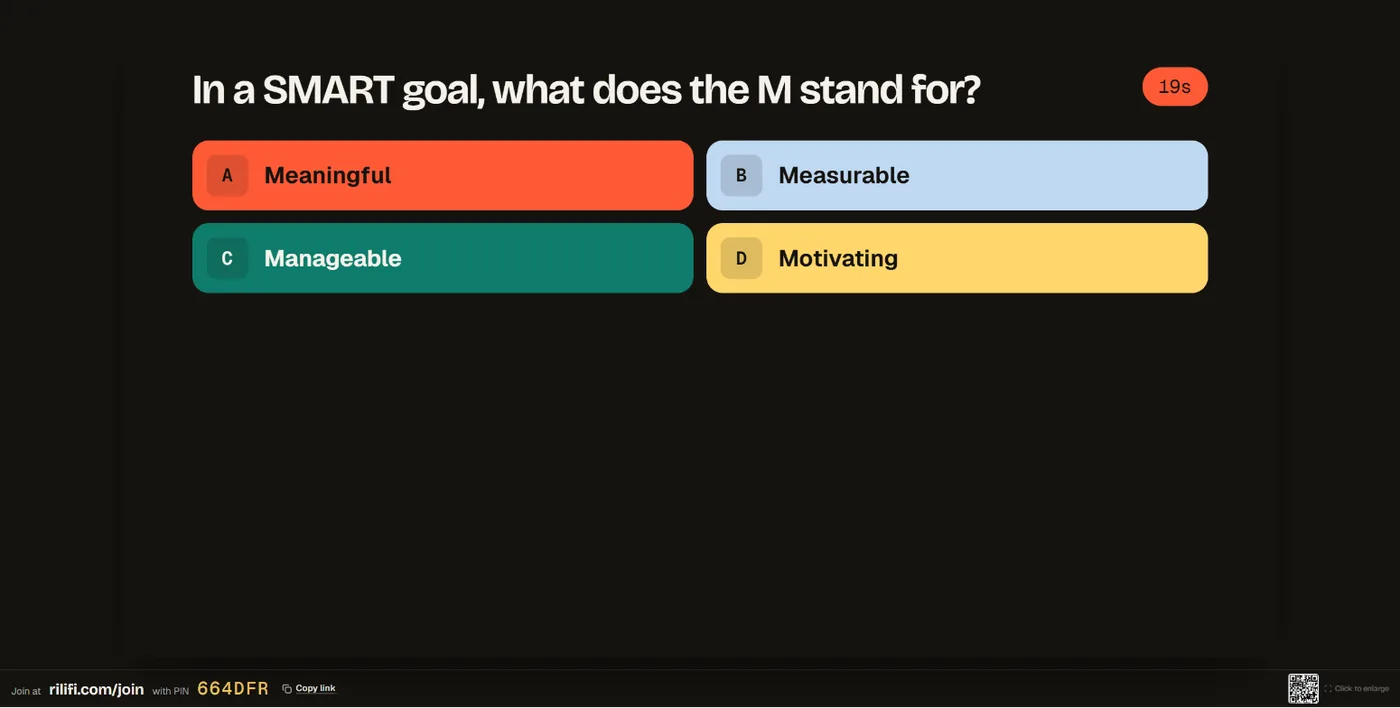
No. They open rilifi.com/join on their phone, type the PIN or scan the QR code, and they’re in. Only the presenter needs a RiLiFi account.
Can I use my existing PowerPoint or Google Slides deck?
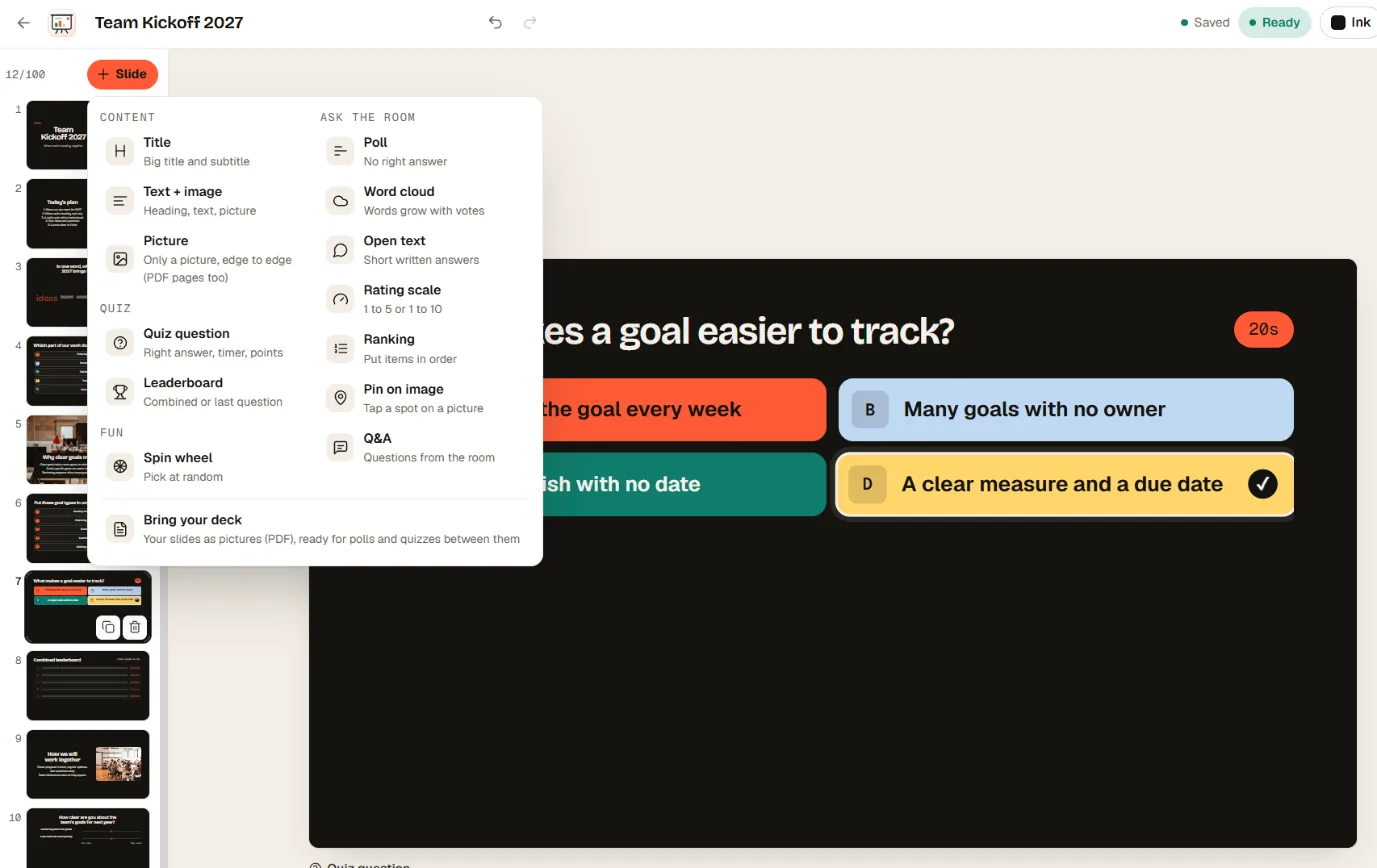
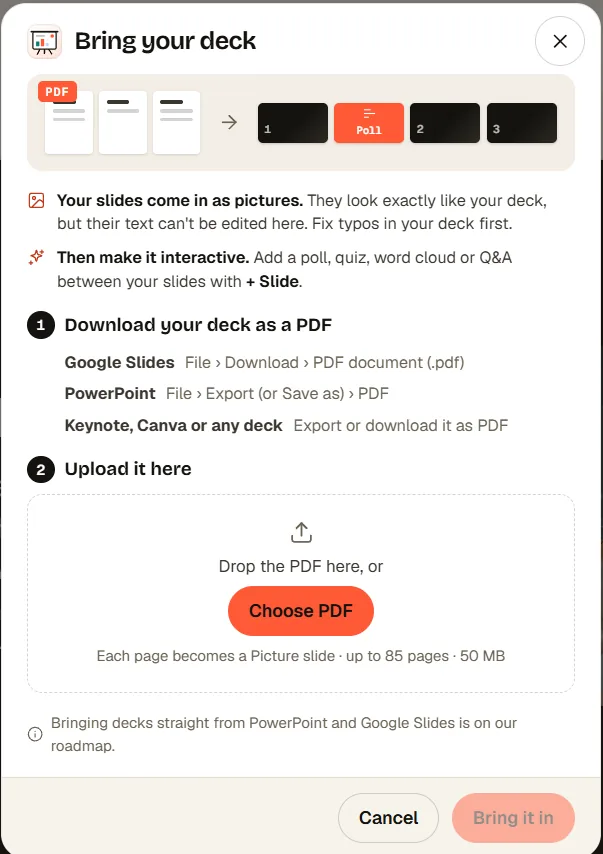
Yes, as a PDF. Download the deck as a PDF from PowerPoint, Google Slides, Keynote or Canva and bring it in. Each page becomes a picture slide, up to 50 MB and 100 slides. The text on those slides can’t be edited in RiLiFi. Bringing decks straight from PowerPoint and Google Slides is on our roadmap.
Can AI build the presentation for me?
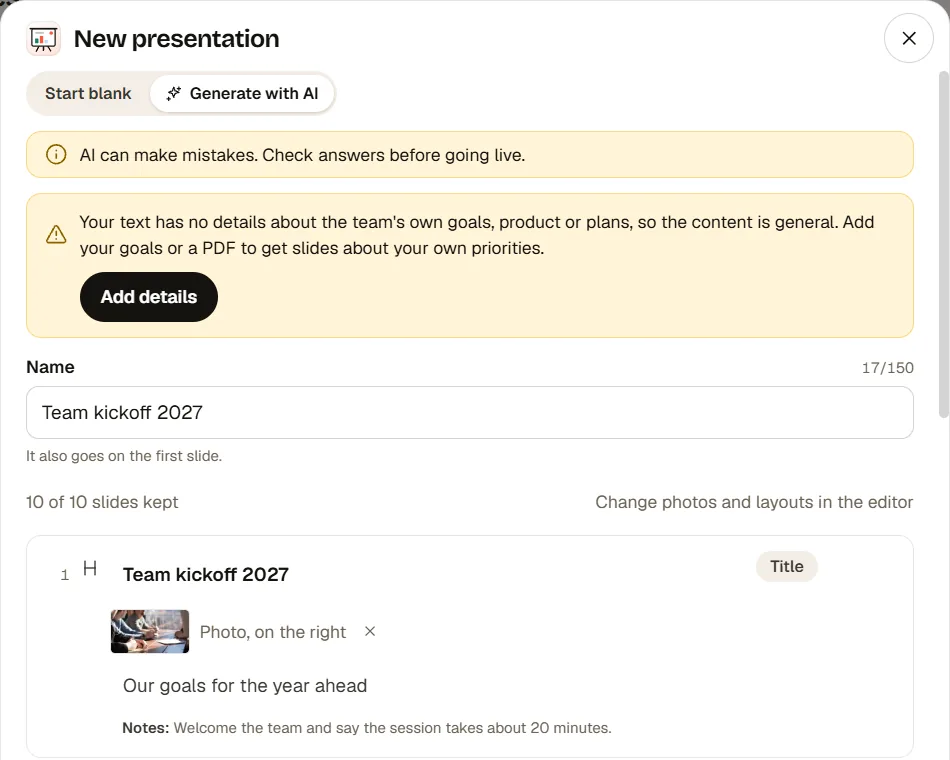
Yes. Describe the talk, or add a PDF or photos, and AI drafts 8 to 12 slides with polls, quizzes, a word cloud, a wheel and Q&A. Each AI presentation uses 5 AI credits, so the free plan’s 10 credits a month cover 2. You review every slide before it’s created.
Can I present from my phone?
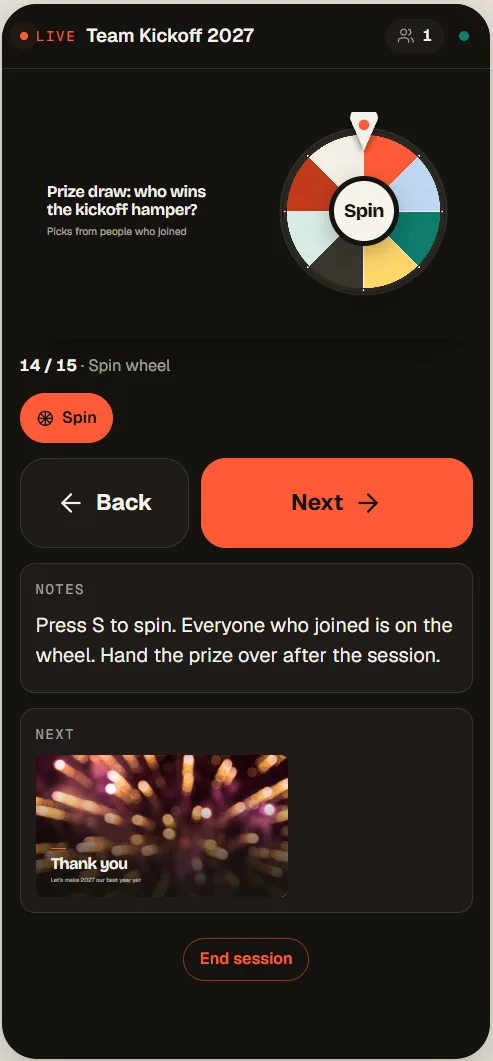
Yes, on Creator, Pro and Enterprise. Scan the QR code on the presenter screen to open the phone remote: back and next, your notes, the next slide, voting, results and the wheel. On the free plan you run the presentation from your laptop, with the same controls on the keyboard.
What’s included for free?
The free plan covers 100 people per session, 15 saved activities (each presentation counts as one) and 50 sessions in total. Every slide type is included, plus 10 AI credits a month. Paid plans add the phone remote, your own colours and logo, named results and Excel, CSV and PDF exports.
How many people can join one presentation?
A RiLiFi presentation takes 100 people per session on the free plan, 500 on Creator, 1,000 on Pro and more than 5,000 on Enterprise.
Is Open text a separate activity?
No. Open text, rating scale, ranking, pin on image and the leaderboard are slide types, so you add them to a presentation. Polls, quizzes, word clouds, Q&A and the spin wheel work both ways: as slides, or on their own.