How to Host a Trivia Night: The Complete Checklist
How to host a trivia night, step by step: checklist, team sizes, rounds, scoring, tie-breaks, timing, prizes and a setup where everyone plays on phones.
0 views
Run the room before, during and after the event. These guides cover keynotes, sponsor booths, fundraising galas, trivia nights and live streams, with the poll, quiz or Q&A that fits each moment.
24 guides
How to host a trivia night, step by step: checklist, team sizes, rounds, scoring, tie-breaks, timing, prizes and a setup where everyone plays on phones.
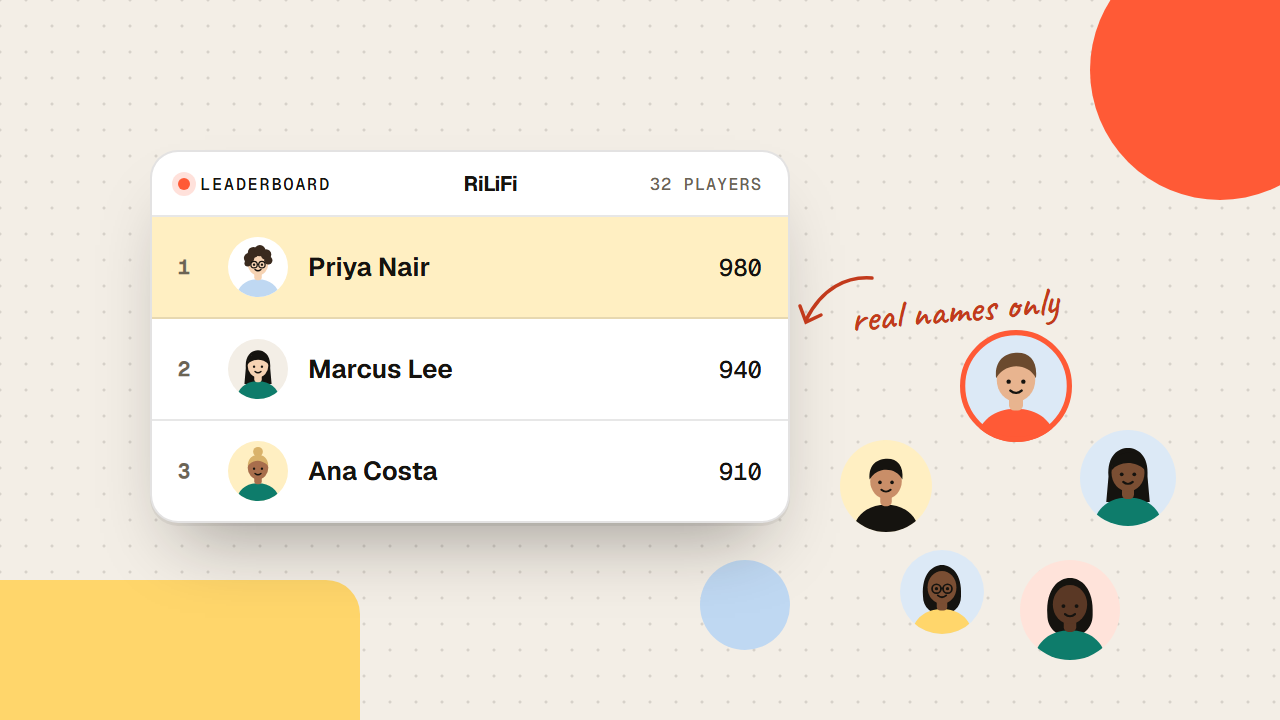
Attendee name entry decides whether a quiz leaderboard means anything. When to require real names, when to go anonymous, and what to say as the lobby fills.
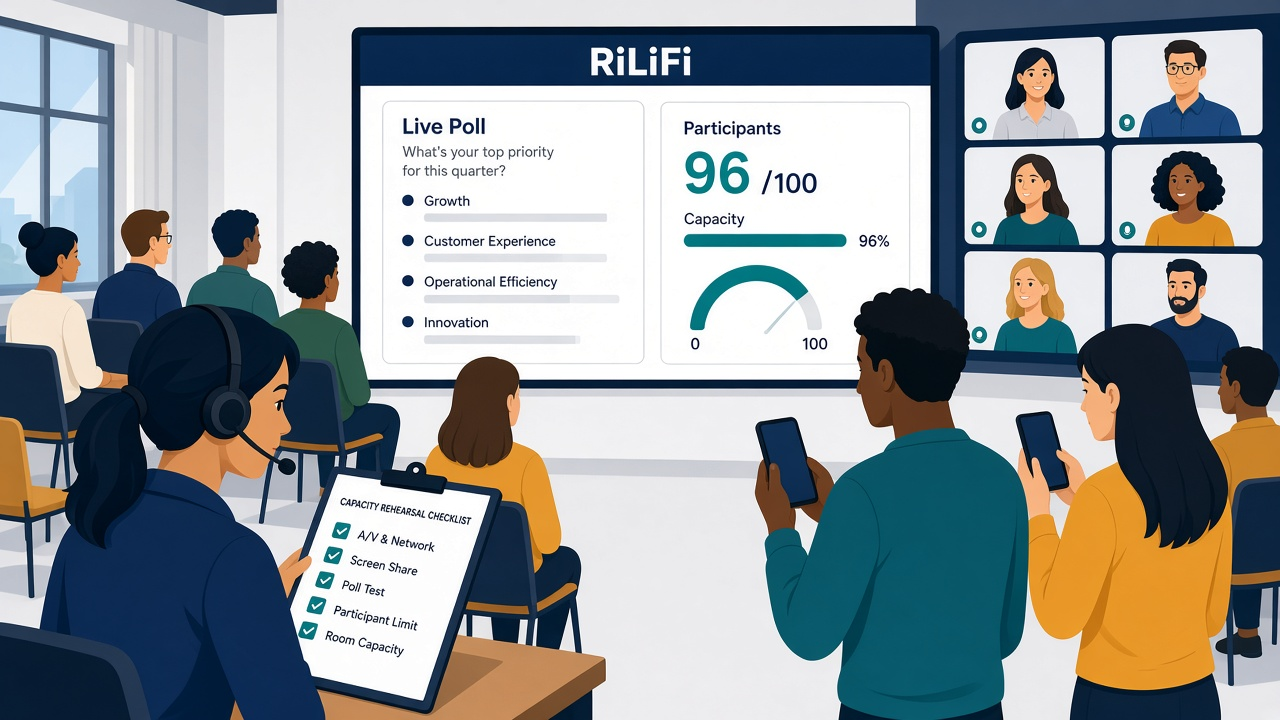
A live poll participant limit can block late arrivals. Learn how to size peak joins, add headroom, rehearse, and prepare a fallback.
 Aman Yadav 0 views
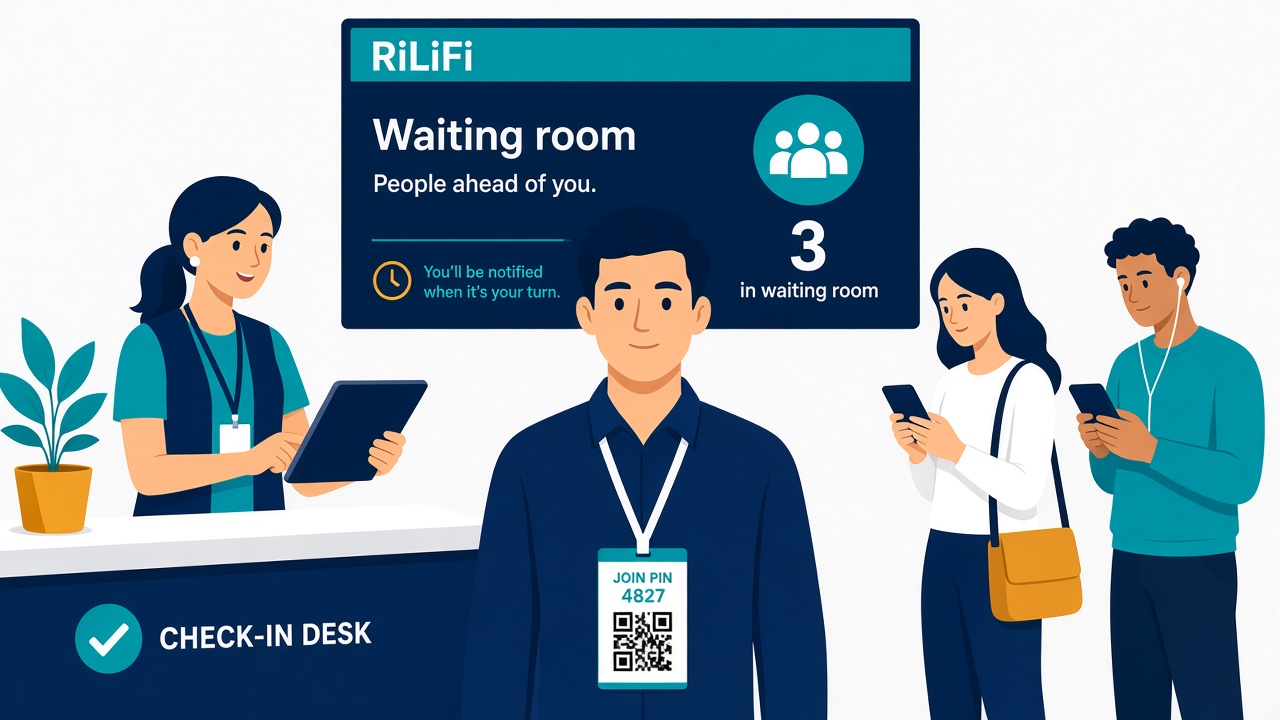
The quiz lobby waiting room shows who has joined. Hold question one until that count matches the seats, then let the host advance.
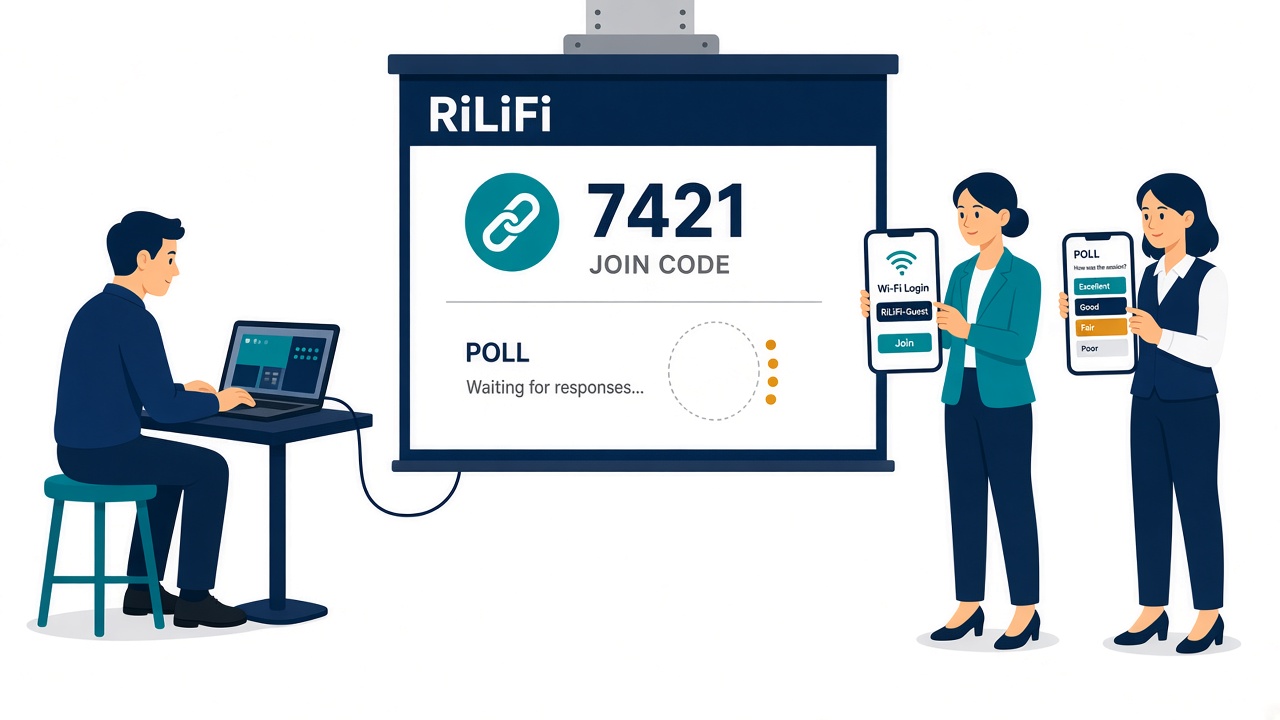
Hotel Wi-Fi audience join reliability fails when a captive portal blocks phones. Test a guest phone and the show laptop before the doors open.
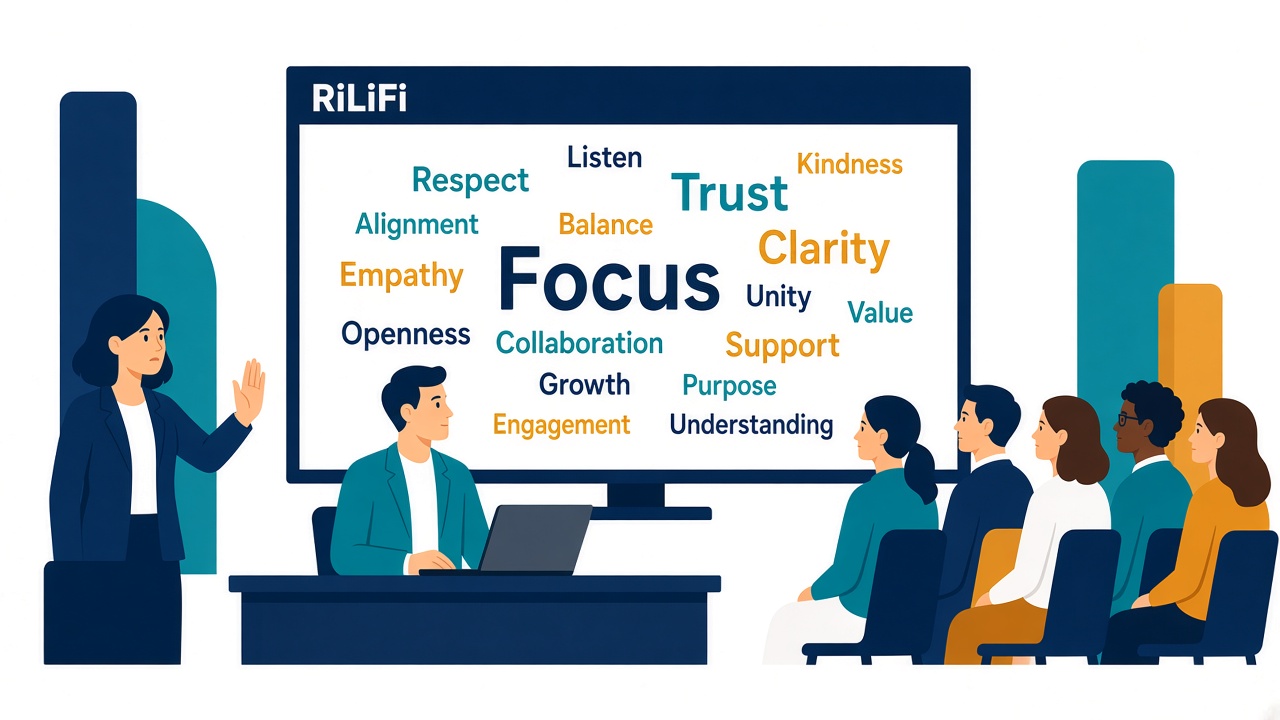
A profanity live event word cloud hits the projector in one submission. Hold the reveal, warn the room, and do not leave a slur in the recording.
Every live session gets a new PIN. Print the join page and your own event link on the badge, and show the PIN and QR on screens and signs.
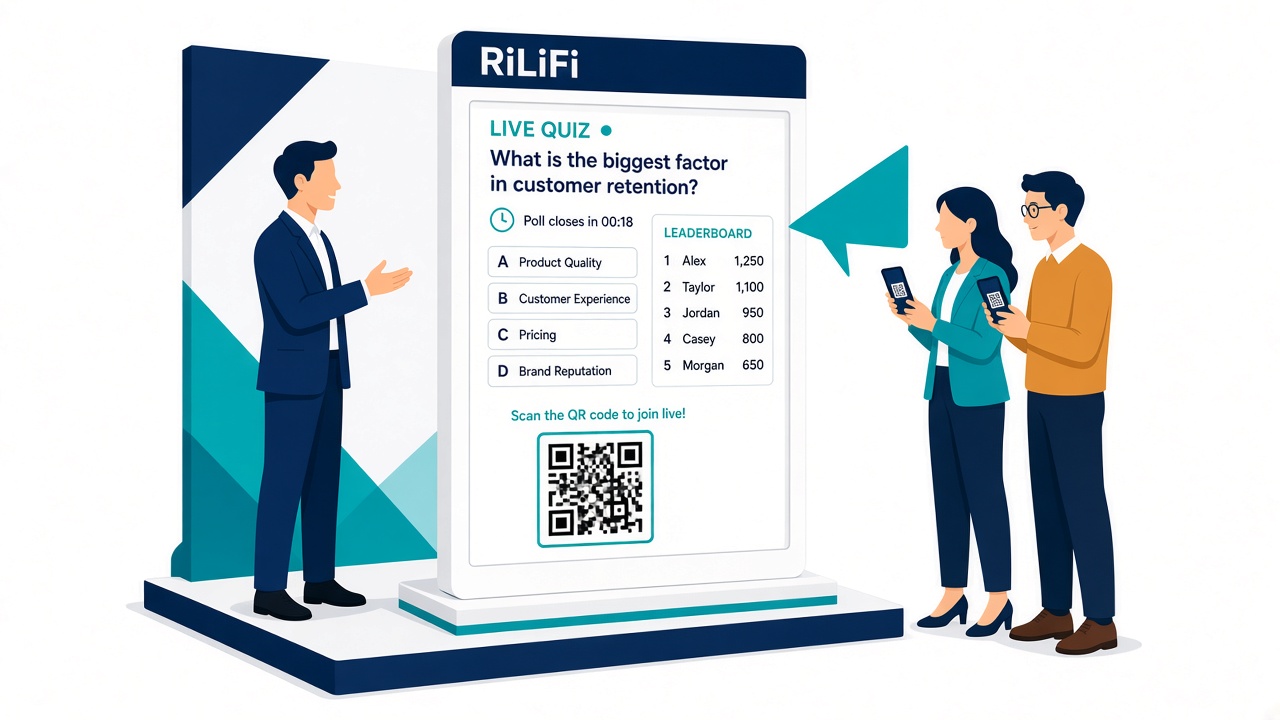
Swap the fishbowl of cards for a live quiz at the booth. The sponsor gets who answered what and uses it as their own evidence of booth ROI.
Plan live quizzes for synchronized mobile joins and varied network conditions. Learn what to test without relying on a universal audience threshold.
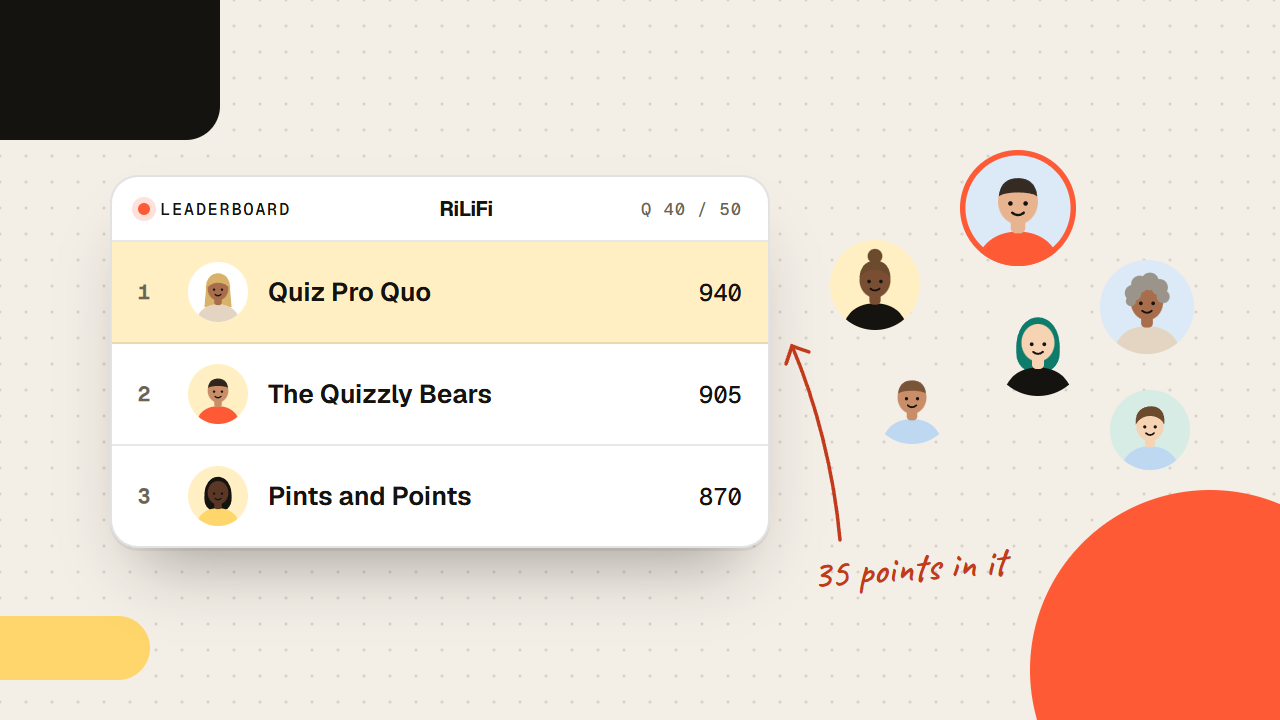
3 fundraising gamification ideas for galas: mission trivia on a leaderboard, a live poll where the room votes a grant, and a word cloud before the ask.
Running a developer group or tech community meetup? Learn how to use interactive polling, anonymous Q&A, and technical trivia to keep exhausted developers engaged and learning.
Conference attendees suffer from 'session fatigue' when forced to sit through endless monologues. Learn how event organizers use live polling and gamified sponsor sessions to win back the room and collect feedback before it leaves.
Keep viewers watching with 3 formats: let chat pick the next segment, run insider trivia on a leaderboard and close with an upvoted AMA.
The conference is over, and your community is going silent. Learn how to use interactive polls and Q&A boards to keep the momentum going year-round.
Don't wait until the doors open to engage your attendees. Learn how to use pre-event polling and AMAs to build hype, networking, and FOMO a week before your conference begins.
Posting a quote on Slack isn't enough. This March, use interactive trivia to actually educate your team on the history of Women in Tech and celebrate the pioneers who built our industry.
Host a couples trivia night with 3 games: a how-well-do-you-know-me quiz, BFF trivia and a date night wheel. Everyone plays on their phone.
A step-by-step guide to moderating a panel discussion: prep call, run of show, and a moderated, upvoted live Q&A so the room asks the questions that matter.
Start 2026 with a clean slate. Learn how to organize your quizzes, polls, and event resources using Smart Folders and Bookmarks.
Don't let your event data die. Learn 5 ways to repurpose polls, Q&A, and quizzes into blogs, social posts, and sales assets.
Planning your 2026 events? Use this 4-step strategic framework to design high-impact events that drive engagement.
Dread the office holiday party? Here are 5 interactive ideas (trivia, polls, wheels) to make your corporate end-of-year celebration genuinely fun.
A stage-by-stage checklist for a memorable event experience: what to run before doors open, at the opening, mid-session, at the close and after the event, built on the peak-end rule.
Transform your events with proven quiz strategies that turn passive attendees into active participants. Learn the psychology behind effective questioning.
Put it into practice
Live quizzes, polls, Q&A and spin wheels in one workspace. Free for up to 100 participants a session.