A Live Poll in PowerPoint Looks Convenient. We Host in a Separate Tab Instead.
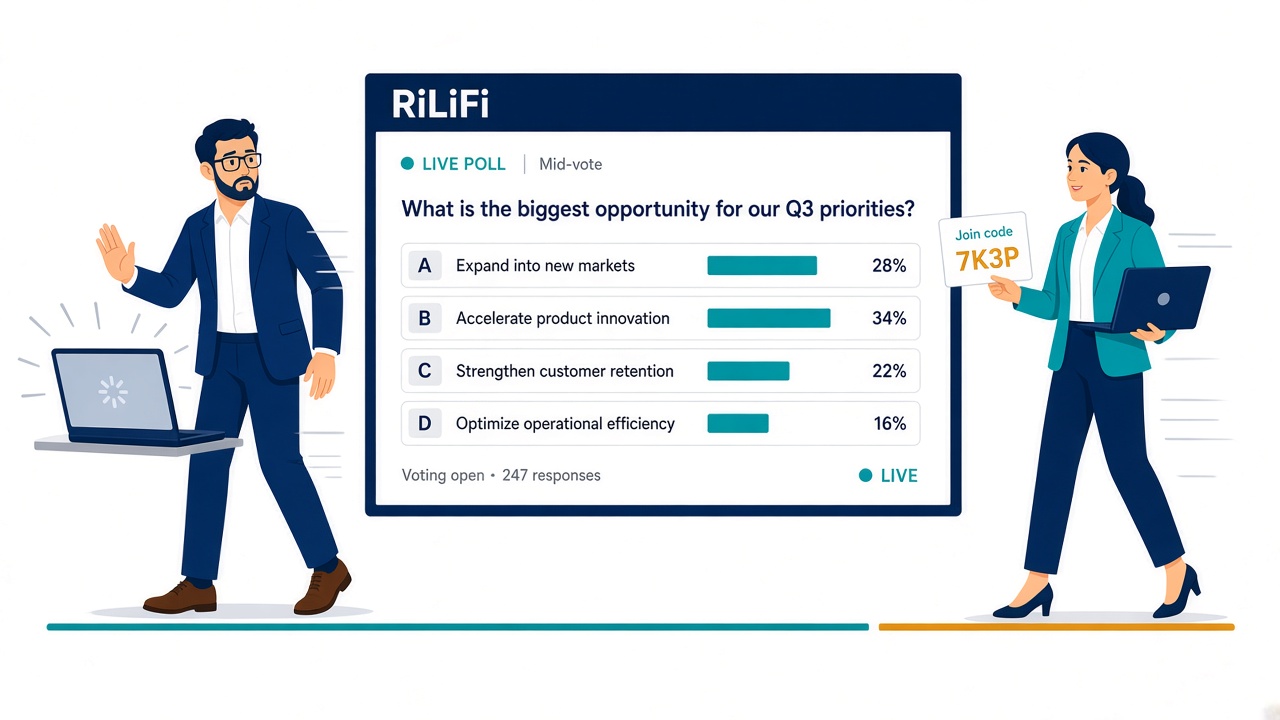
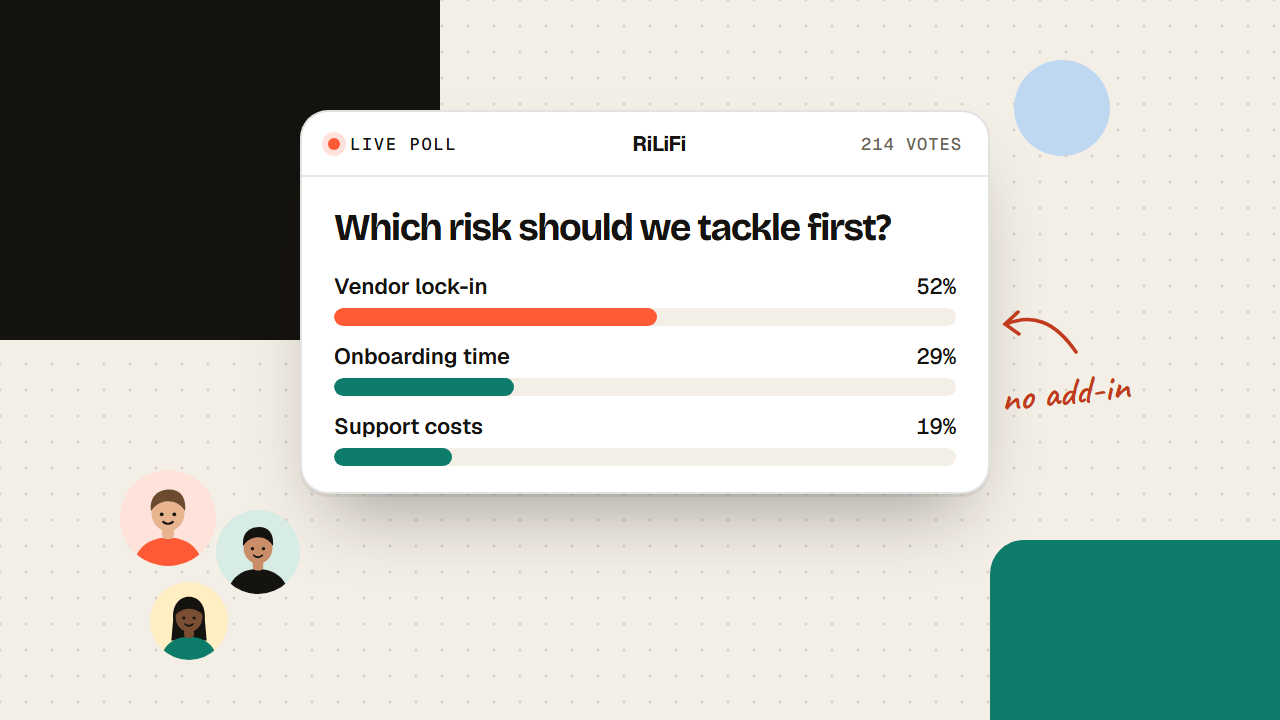
A live poll in PowerPoint depends on the right licence, the right build, and the deck owner's laptop. Here is why we host polls in a separate tab instead.
Give the audience something to do. These guides cover interactive public speaking, polls next to the deck, a backup presenter when the host drops, and keeping a big room with you.
4 guides
A live poll in PowerPoint depends on the right licence, the right build, and the deck owner's laptop. Here is why we host polls in a separate tab instead.
A speaker slide bookmarks folder keeps the deck beside the live poll so the backup host is not hunting Slack while the room is already seated.
When the host freezes or Wi-Fi dies, a backup presenter goes live again from a shared folder. Pre-assign the person. Rehearse the handoff before show day.
Stop fighting against smartphone distractions during your keynote presentations. Learn how to turn the phone into your greatest stage asset using live interactive polling.
Tools for this topic
Put it into practice
Live quizzes, polls, Q&A and spin wheels in one workspace. Free for up to 100 participants a session.