
RiLiFi
Start free

Ideas guide

20 interactive presentation ideas for classes, meetings and events.

An interactive presentation asks the room something every few minutes, and everyone answers on their phone. Below are ideas for teachers, trainers, team meetings and events, each with the slide type that runs it.

  • 13 slide types
  • Free for 100 people per session
  • No app for your audience
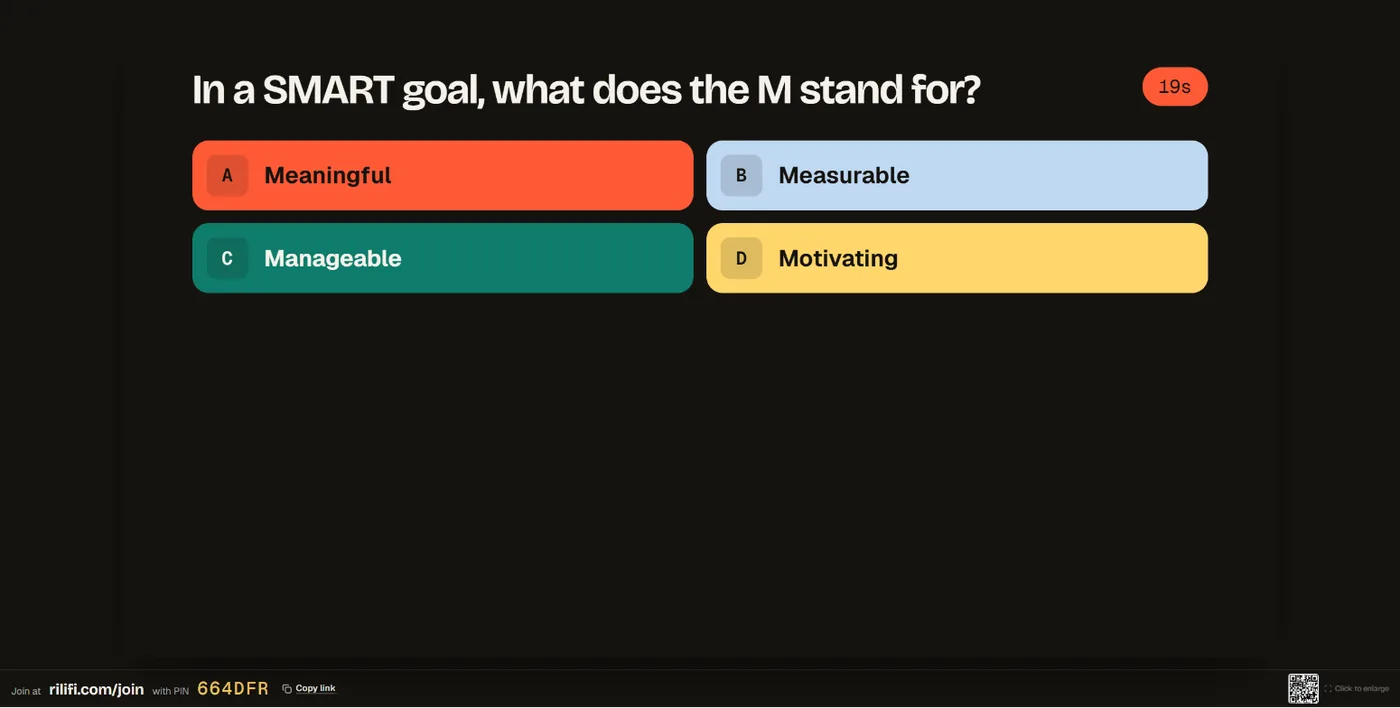
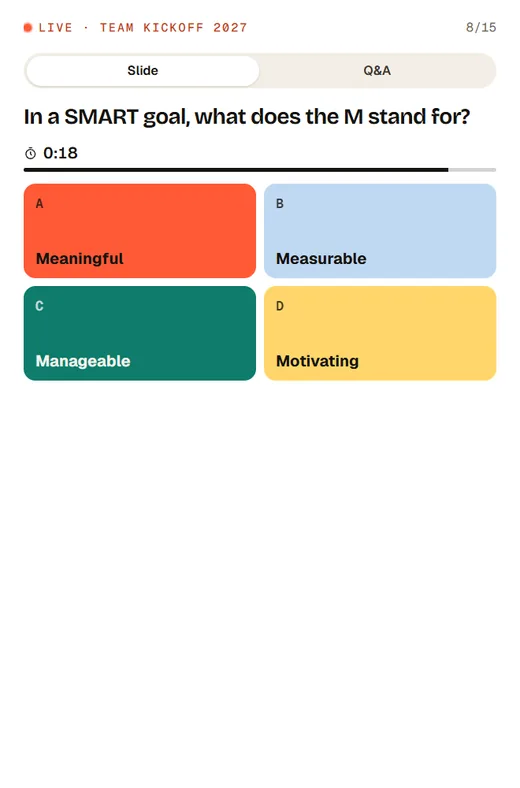
The presenter screen showing a timed quiz question with a team photo above the four answers, and the join link and PIN in the footerA quiz question on an audience member’s phone, with four coloured answers and a timer
A full-picture Thank you slide on the presenter screen, with the join PIN in the footer
01

A simple shape for any talk.

Open with a question everyone can answer, check understanding in the middle, and close with the room’s questions. Three interactive slides turn a talk into a conversation.

  • OpenA word cloud or poll that anyone can answer in ten seconds.
  • MiddleA quiz question or rating scale on what you just covered.
  • CloseQ&A, so the room asks what it still wants to know.

The ideas

20 ideas, grouped by room

Each idea names the slide type that runs it. Mix two or three into a talk you already give.

For teachers and lecturers

For secondary school, college and university classes. Students join with a PIN and need no account.

  1. 01

    Exit ticket in one sentence

    End the lesson with “What is one thing you learned today?” Answers appear on the screen as they arrive, so you see what landed before the bell.

    Open text
  2. 02

    Predict, then reveal

    Ask a poll before you explain a concept, then ask it again after. The change between the two charts shows what the lesson did.

    Poll
  3. 03

    Label the diagram

    Show a map, a cell or a circuit and ask students to tap one part. A cluster of pins in the wrong place tells you what to re-teach.

    Pin on image
  4. 04

    Rank the causes

    Give five causes of an event and ask the class to put them in order. The average place shows where the class agrees and where it splits.

    Ranking
  5. 05

    Quick-fire review quiz

    Five questions where students type the answer, with a leaderboard at the end. Typed answers match whatever the case, accents or punctuation.

    Quiz question

For trainers

For onboarding, compliance and skills sessions, where you need to know it stuck.

  1. 06

    Confidence check, before and after

    Ask people to rate three skills from 1 to 5 at the start, and the same three at the end. Show the average to close the session.

    Rating scale
  2. 07

    Put the steps in order

    Use the put-in-order quiz kind for a process: each phone gets the steps shuffled, and the answer appears when the timer ends.

    Quiz question
  3. 08

    Match the term

    Use match pairs for terms and definitions, or tools and jobs. It checks understanding better than recall.

    Quiz question
  4. 09

    Warm-up in one word

    Open with “In one word, what do you want from today?” The biggest words tell you where to spend your time.

    Word cloud
  5. 10

    A parking lot for questions

    Keep Q&A open all session. People post when a question comes up and upvote others, and you answer the top ones at each break.

    Q&A

For team meetings and all-hands

For stand-ups, town halls and retrospectives, where you want every voice, not the loudest.

  1. 11

    The mood in one word

    “One word for how this quarter felt.” Read out the big words and the small ones: the surprise is often in the small ones.

    Word cloud
  2. 12

    Vote on priorities

    List next quarter’s goals and let everyone rank them. The average order is a good start for the planning talk.

    Ranking
  3. 13

    Questions for leaders

    Turn off names for the deck so people can ask what they really want to know. Upvotes bring the shared questions to the top.

    Q&A
  4. 14

    A retro in two slides

    Ask “What should we try differently next time?” as Open text, then rate the sprint on a rating scale. Twenty minutes, every voice heard.

    Open text
  5. 15

    A shout-out at the end

    Spin the wheel over the people who joined to pick who gets a thank-you, a prize, or the first word next week.

    Spin wheel

For events and conferences

For keynotes, panels and breakout sessions, where one PIN serves the whole hall.

  1. 16

    Keep the speaker’s deck

    Bring the speaker’s slides in as a PDF and add a poll between sections. The deck looks exactly as designed.

    Picture
  2. 17

    Pulse after each talk

    Ask “How useful was this talk?” on a 1 to 10 scale before people leave the room, while the talk is still fresh.

    Rating scale
  3. 18

    Where are you joining from?

    Show a map and let everyone drop a pin. It breaks the ice in a hall full of strangers, and the cluster makes a good photo.

    Pin on image
  4. 19

    Trivia between sessions

    Run a few quiz questions in the break and show a combined leaderboard. Each phone shows the player’s own rank.

    Leaderboard
  5. 20

    Close with a prize draw and a thank-you

    Spin the wheel over everyone who joined, then end on a full-picture Thank you slide. People leave on a high.

    Spin wheel

FAQ

Interactive presentation questions

What makes a presentation interactive?
The audience answers during the talk, not after it. In RiLiFi, slides can ask the room a poll, a quiz question, a word cloud, open text, a rating scale, ranking, pin on image or Q&A, and everyone answers on their phone.
How many interactive slides should a talk have?
Start with three: one to open, one in the middle and Q&A at the end. Add more if the room is quiet or the topic is long. There is no limit on how many you use.
Do students need an account or an app?
No. Students open rilifi.com/join on their phone, type the PIN or scan the QR code, and answer in the browser. RiLiFi is for ages 13 and over.
Can I use these ideas with my PowerPoint slides?
Yes. Download your deck as a PDF and bring it into RiLiFi. Each page becomes a slide, and you add the interactive slides between them.
Are these ideas free to run?
Yes. Every slide type is on the free plan, for up to 100 people per session.

Try one today

Pick an idea. Build it in minutes.

Free for 100 people per session, with every slide type.