Is the AI presentation maker free?
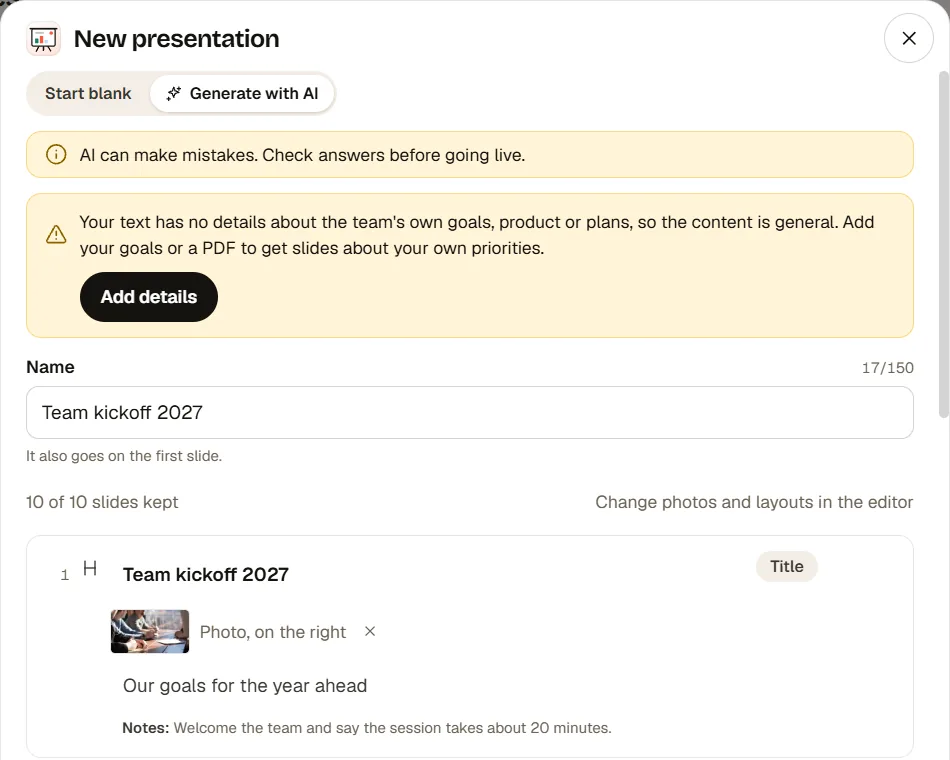
Yes. Each AI presentation uses 5 AI credits, and the free plan includes 10 credits a month, so you can draft up to 2 AI presentations a month for free. The same credits pay for the other AI tools, such as the AI quiz generator, so using those leaves fewer for presentations. Paid plans include more credits.
How many slides does the AI make?
A draft has 8 to 12 slides, never more than 20. You can add more in the editor, up to 100 slides per presentation.
Can the AI make a presentation from my PDF?
Yes. Attach a PDF of up to 30 pages and 10 MB, or up to 3 photos. The PDF is read in your browser, and only its text is used to draft the slides.
Does it write quiz questions with the right answers?
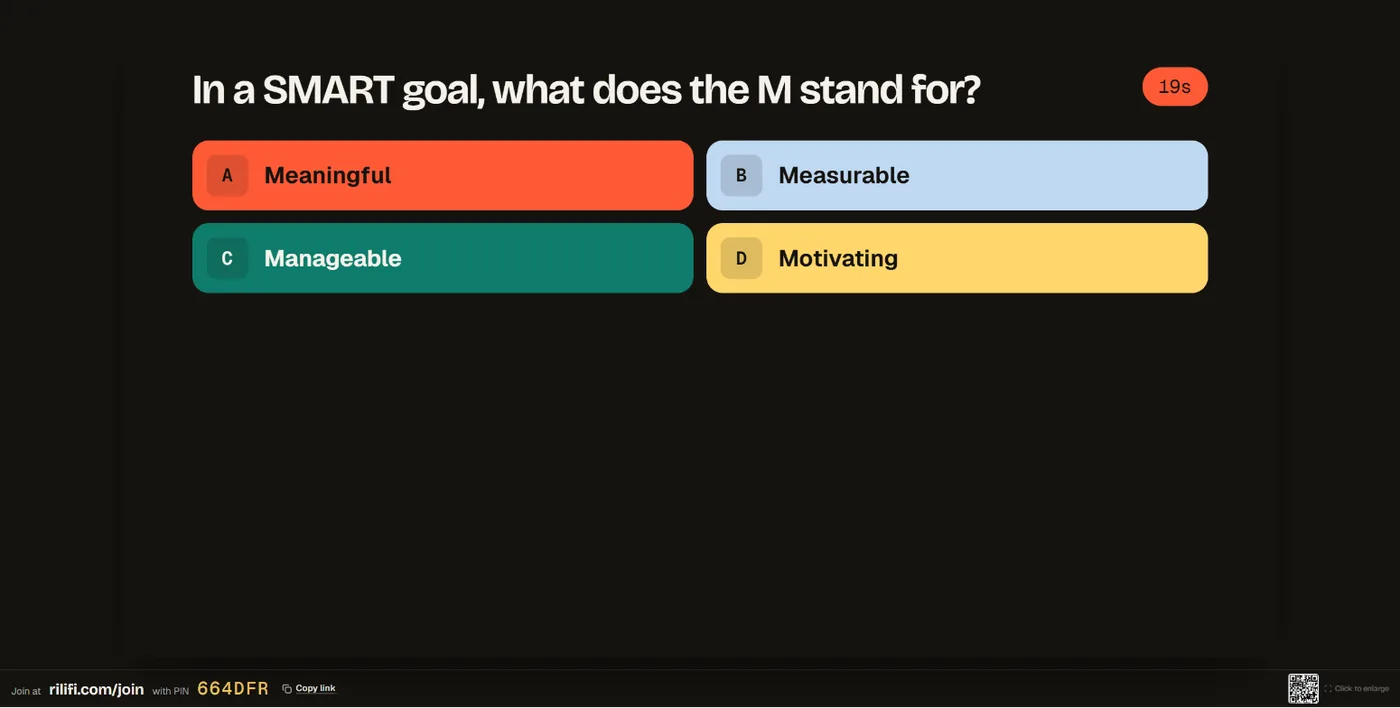
Yes. It drafts multiple-choice quiz questions with the right answers marked and adds a leaderboard after the last one. AI can make mistakes, so check every answer in the review step before you create the presentation.
Can I edit the presentation after the AI drafts it?
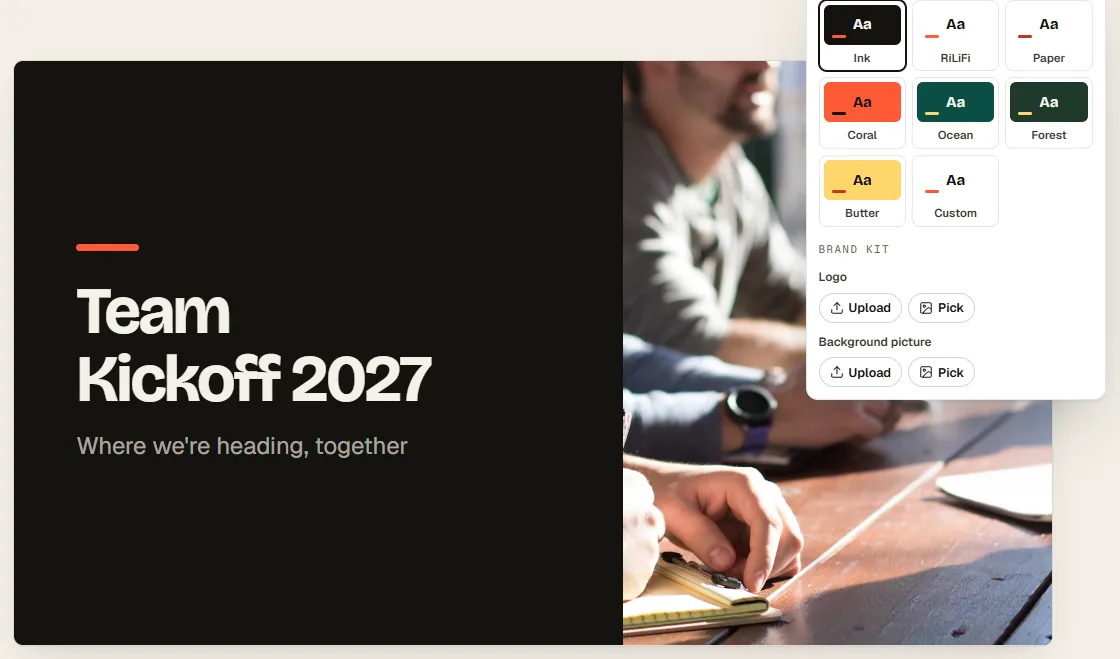
Yes. It opens in the editor like any presentation. Change the text, the order, the theme and the photos, add presenter notes, or add slides the AI does not make, such as Pin on image.
How is this different from other AI slide generators?
It drafts an interactive presentation, not only slides to read. The polls, quiz, word cloud and Q&A are live: your audience joins at rilifi.com/join with a PIN and answers on their phones.
What happens to what I type?
Our AI providers are Anthropic and Google. They do not train on your content, and the text of AI requests is deleted after 30 days. See AI and your data in the help centre.