
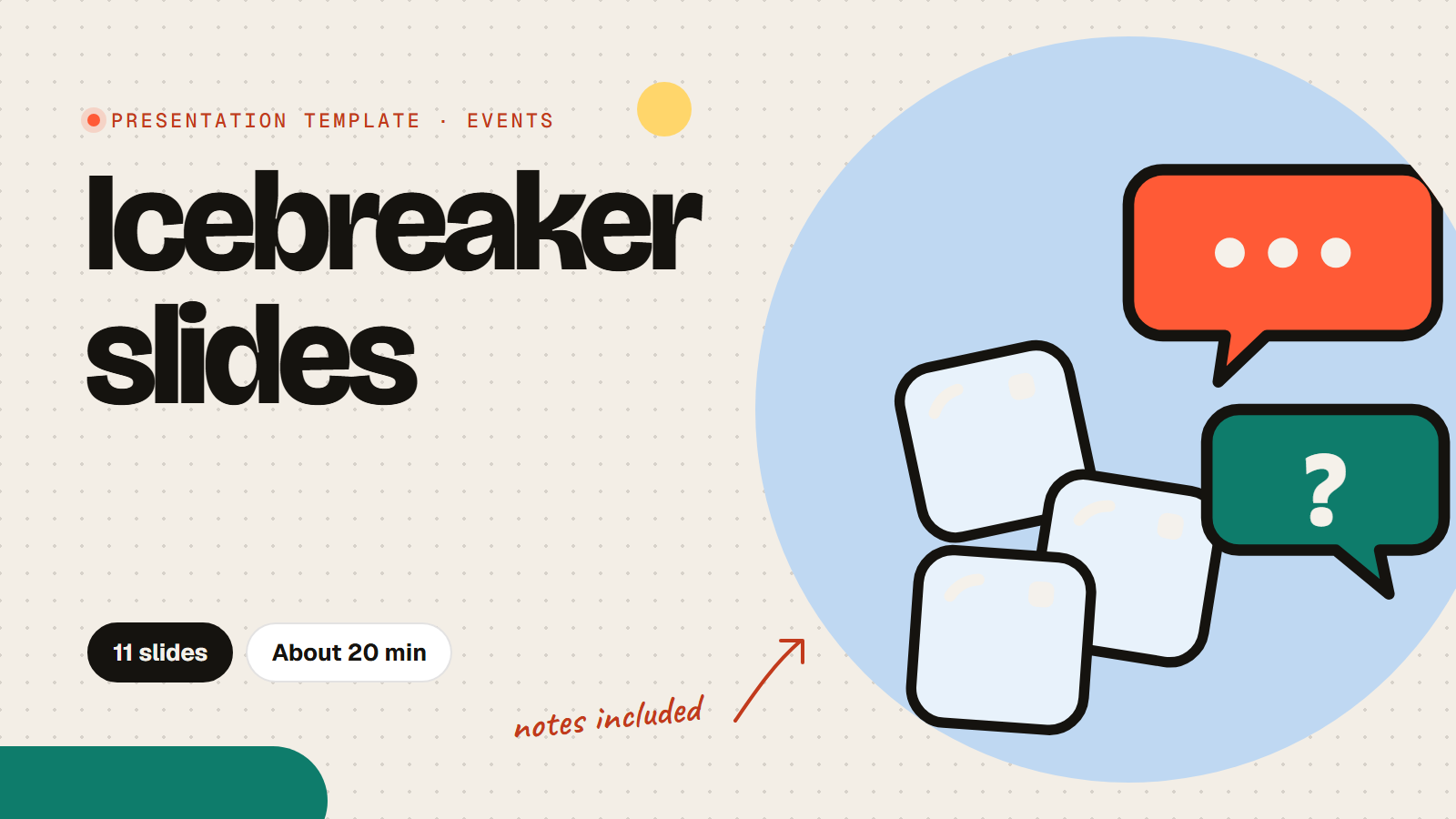
Presentation template · Events
Ice breaker slides your group answers live
These ice breaker slides warm up any meeting, class or workshop in about 20 minutes. The icebreaker presentation mixes quick polls, a word cloud, would you rather, a guess-who game and a lucky spin, and everyone answers on their phone, so even the quietest people join in. Use the whole set or pick three slides for a five minute start, and every slide has notes on what to say.
11 slides About 20 min 7 slides the room answers Presenter notes on every slide
Every slide, in order
What the room sees on screen. Times are a plan for a group of 20 to 40; the notes under each slide in the app say what to say and how to use the answers.

Let's break the ice
[Group name], [Date]. Phones out.

How this works
- Answer on your phone
- No wrong answers
- We read a few aloud
- A lucky spin at the end

This or that: coffee or tea?
- Coffee
- Tea
- Both
- Neither
Describe your perfect weekend in one word
Words appear here as people send them
Would you rather...
- Always be 10 minutes early
- Always be 10 minutes late
Pick a superpower for Monday mornings
- Pause time
- Teleport to work
- Never feel tired
- Read every email in a second
Two truths and a lie about you: send them, we guess
Rank these snacks, best first
- Crisps
- Chocolate
- Fruit
- Cheese
- Biscuits
A small thing that made you smile this week
Lucky spin: who goes first?
Ice broken. Let's begin
Thanks for playing.
How to run it
- Use the template and pick the slides you want; each works on its own.
- Press Present. People join with the PIN or QR code and type their name for the spin wheel.
- Read a few answers aloud on each slide: the conversation is the point.
- Finish with the lucky spin, then move into your meeting.
Run of show
| Starts | Slide | Minutes |
|---|---|---|
| 0:00 | TitleLet's break the ice | 1 |
| 1:00 | Text + imageHow this works | 1 |
| 2:00 | PollThis or that: coffee or tea? | 1.5 |
| 3:30 | Word cloudDescribe your perfect weekend in one word | 2 |
| 5:30 | PollWould you rather... | 1.5 |
| 7:00 | PollPick a superpower for Monday mornings | 1.5 |
| 8:30 | Open textTwo truths and a lie about you: send them, we guess | 5 |
| 13:30 | RankingRank these snacks, best first | 2 |
| 15:30 | Open textA small thing that made you smile this week | 3 |
| 18:30 | Spin wheelLucky spin: who goes first? | 2 |
| 20:30 | TitleIce broken. Let's begin | 0.5 |
Questions about this template
How long do the icebreaker slides take?
About 20 minutes for the full set. For a five minute start, use the first poll, the word cloud and the lucky spin.
Are these icebreakers work-safe?
Yes. Every question is light and inclusive, so it works for colleagues, students aged 13 and over and new groups.
Can we run it online?
Yes. Share your screen in the video call and everyone joins on their phone or laptop with the same PIN.
Is the icebreaker template free?
Yes. Using the template is free, and so is running it: the Free plan includes 15 activities and up to 100 people per session. Paid plans for bigger rooms start at $7 a month.
Do people need an app or an account?
No. They join in their phone or laptop browser with the PIN or QR code on the screen. No app and no account.
Photos and sources
- Light dotted background with two speech bubbles, one saying hi, and two ice cubes: RiLiFi, CC0
- A coloured dotted background with two speech bubbles, one saying hi, and two ice cubes: RiLiFi, CC0
- A white dotted background with small drawings in two corners: RiLiFi, CC0
- Two speech bubbles, one saying Hi, and two ice cubes: RiLiFi, CC0
More for this event

Start free
Present it live with your group.
People join from their phones with a PIN. No app to install, free for up to 100 people per session.