
Presentation template · Corporate
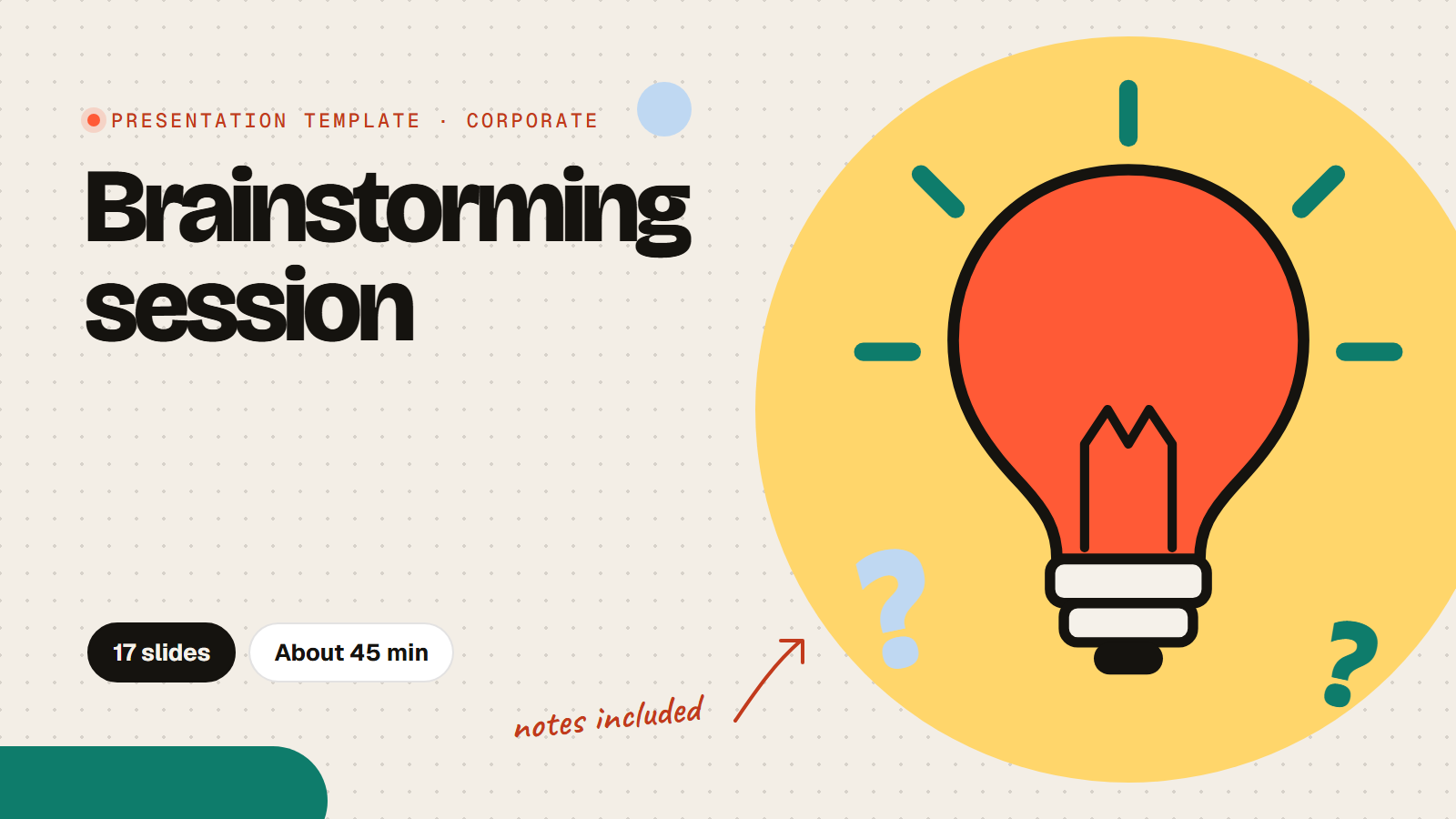
Brainstorming session template for teams
This brainstorming session template takes a team from a fuzzy problem to one idea with an owner in about 45 minutes. People answer on their phones, so quiet thinkers are heard as much as fast talkers: a warm-up, a "how might we" question, a round of bold ideas, a reverse brainstorm that asks how to make the problem worse, then upvotes to pick the best. Ideas are anonymous by default, and every slide has notes on what to say and how long to spend.
17 slides About 45 min 10 slides the room answers Presenter notes on every slide
Every slide, in order
What the room sees on screen. Times are a plan for a group of 20 to 40; the notes under each slide in the app say what to say and how to use the answers.

Brainstorming session: [Topic]
[Team name], [Date]. Phones out: every idea counts.

How this works
- Warm-up
- Name the problem
- Go wide: as many ideas as we can
- Flip it: make the problem worse
- Vote, then pick a next step
How do your best ideas usually show up?
- Talking it through with someone
- In quiet thinking time
- Sketching or writing
- On a walk
- In the shower
One word for how you feel about [Topic] right now
Words appear here as people send them

Part 1: the problem
Before any ideas, agree on what we are solving.
Finish the sentence: How might we...
Where are we today?
- We understand the problem well
- We have tried to fix it before
- We have the time and people to act
Not at allCompletely
Part 2: go wide
Quantity first. Bad ideas welcome: they lead to good ones.
Your boldest idea: no budget, no limits
Steal and build: pick an idea on screen and make it better
Reverse brainstorm: how could we make the problem worse?
Words appear here as people send them
Part 3: choose
Post your favourite idea, then upvote the ones you would back.
Post one idea, then upvote the best
Questions from the room appear here, with upvotes
Our top idea
- It would make a real difference
- We could start it this month
- We have what we need to try it
Not at allCompletely
The first small step, and who could take it
What we came up with
- The problem: [how might we]
- Top idea: [idea]
- First step: [step]
- Owner: [name], by [date]

Thank you for every idea
Next step: [name] shares the plan by [date].
How to run it
- Use the template and fill in the parts in [brackets]: your topic, team name and date.
- Press Present. People join with the PIN or QR code on the screen; no names are asked, so ideas stay anonymous.
- Follow the notes under each slide: what to ask, how long to spend and what to do with the ideas.
- End with the recap slide: say the top idea, its owner and the date of the next step out loud.
Run of show
| Starts | Slide | Minutes |
|---|---|---|
| 0:00 | TitleBrainstorming session: [Topic] | 1 |
| 1:00 | Text + imageHow this works | 2 |
| 3:00 | PollHow do your best ideas usually show up? | 2 |
| 5:00 | Word cloudOne word for how you feel about [Topic] right now | 2 |
| 7:00 | Text + imagePart 1: the problem | 1 |
| 8:00 | Open textFinish the sentence: How might we... | 4 |
| 12:00 | Rating scaleWhere are we today? | 3 |
| 15:00 | Text + imagePart 2: go wide | 1 |
| 16:00 | Open textYour boldest idea: no budget, no limits | 6 |
| 22:00 | Open textSteal and build: pick an idea on screen and make it better | 5 |
| 27:00 | Word cloudReverse brainstorm: how could we make the problem worse? | 4 |
| 31:00 | Text + imagePart 3: choose | 1 |
| 32:00 | Q&APost one idea, then upvote the best | 6 |
| 38:00 | Rating scaleOur top idea | 3 |
| 41:00 | Open textThe first small step, and who could take it | 3 |
| 44:00 | Text + imageWhat we came up with | 2 |
| 46:00 | TitleThank you for every idea | 1 |
Questions about this template
How long does the brainstorming session take?
About 45 minutes for a team of 5 to 40. For a 30 minute version, skip the reverse brainstorm and the impact rating.
Are the ideas anonymous?
Yes. The template does not ask for names, so ideas and upvotes show without them. Turn on Ask for names in Settings if you want to know who wrote what.
Can we run it online?
Yes. Share your screen in the video call and everyone joins on their phone or laptop with the same PIN. Give people a minute of quiet before each idea round.
Is the brainstorming template free?
Yes. Using the template is free, and so is running it: the Free plan includes 15 activities and up to 100 people per session. Paid plans for bigger rooms start at $7 a month.
Do people need an app or an account?
No. They join in their phone or laptop browser with the PIN or QR code on the screen. No app and no account.
Photos and sources
- Colourful sticky notes, a doodled light bulb and an arrow on a dotted paper background: RiLiFi, CC0
- Sticky notes and a light bulb doodle on a yellow dotted background: RiLiFi, CC0
- A white dotted background with sticky notes peeking in at two corners: RiLiFi, CC0
- Sticky notes with doodles of a shower, a walk, a sketch and talking: RiLiFi, CC0
- An arrow in the centre of a coral target: RiLiFi, CC0
More for this event
Start free
Present it live with your group.
People join from their phones with a PIN. No app to install, free for up to 100 people per session.