

Presentation template · Education
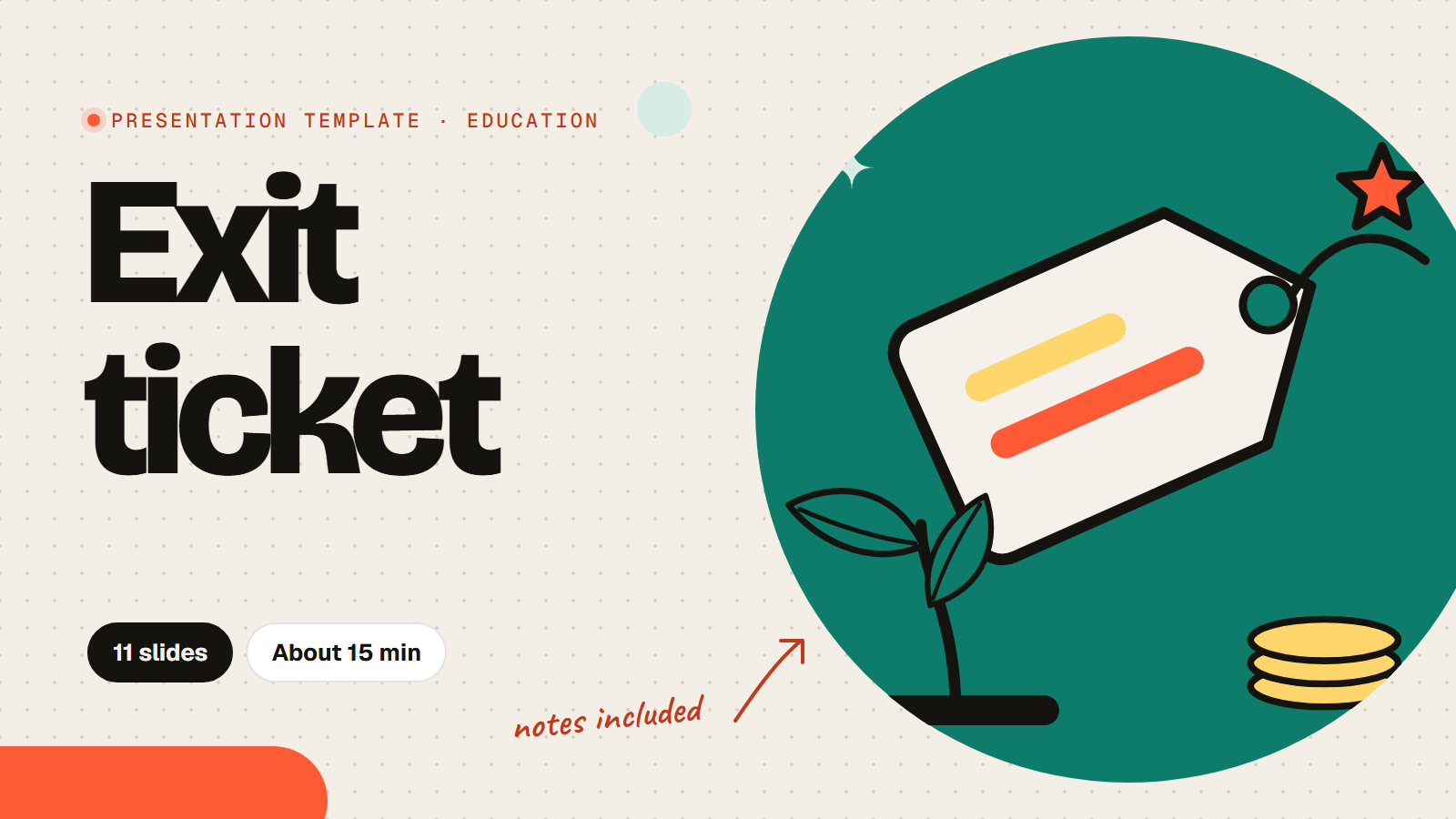
Exit ticket template for any lesson
This exit ticket template checks what your class understood in the last ten minutes of any lesson. Students answer on their phones without names: how sure they feel, the topic in one word, the most important thing they learned, the question they still have, and a pin on a learning trail from "just started" to "could teach it". You leave with a clear picture for planning the next lesson, and every slide has notes on what to say and how to use the answers.
11 slides About 15 min 7 slides the room answers Presenter notes on every slide
Every slide, in order
What the room sees on screen. Times are a plan for a group of 20 to 40; the notes under each slide in the app say what to say and how to use the answers.

Exit ticket
[Class name], [Date]. Two minutes, then you are free.

Your ticket out the door
- Join with the PIN
- Answer honestly: it is not graded
- No names, so say what you really think
- Your answers shape the next lesson

How sure are you about today's topic?
- I could explain it to a friend
- I could do a similar task on my own
- I know what to practise next
Not yetTotally
Today's lesson in one word
Words appear here as people send them
The most important thing you learned today
One question you still have

How was the pace today?
- Too slow
- Just right
- Too fast
- I got lost at one point
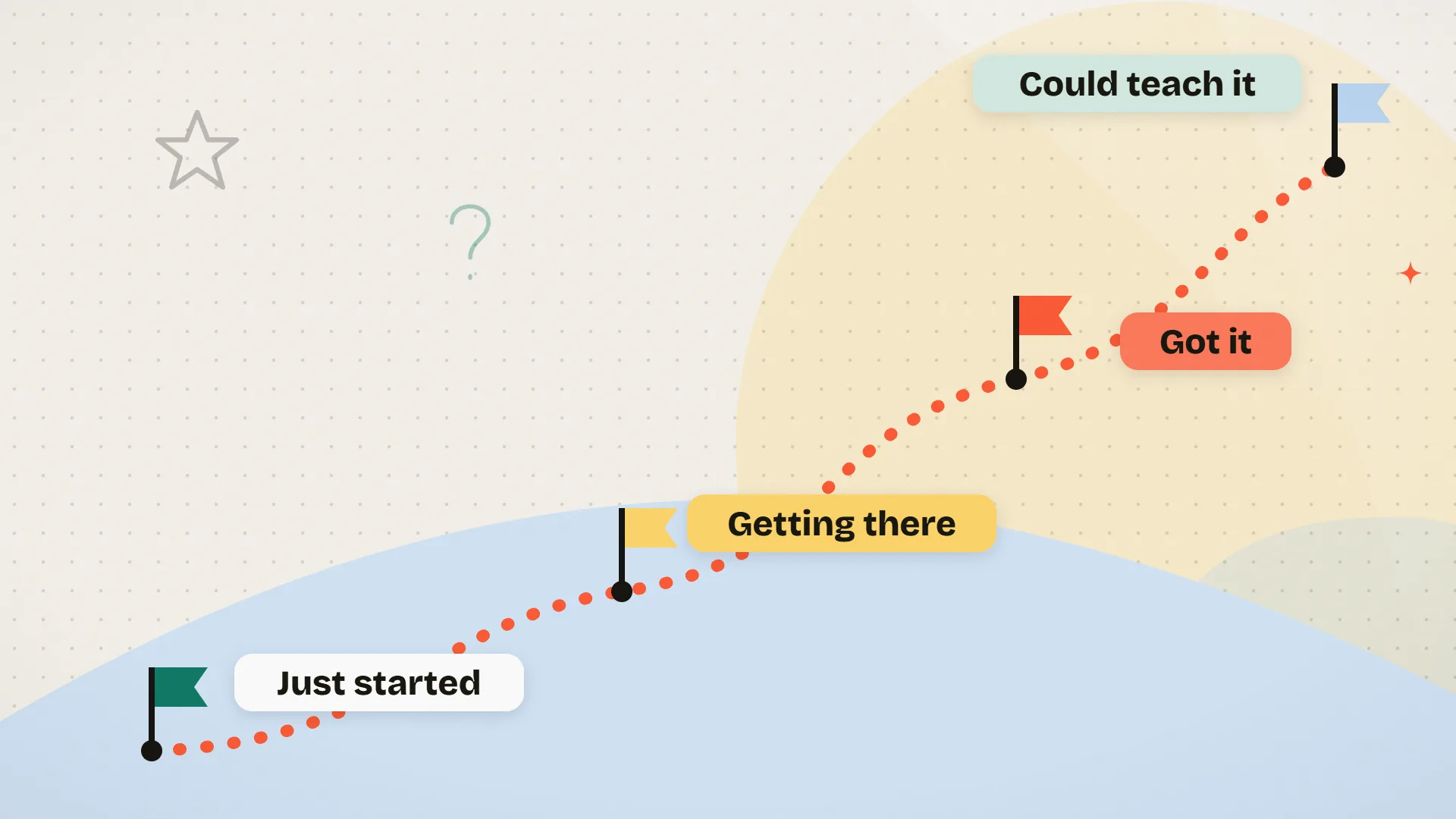
Where are you on the trail? Drop a pin

What would help you most next lesson?
- More examples
- More practice time
- Working with a partner
- A quick recap first
Next lesson
- We start with: [recap topic]
- We practise: [skill]
- I will answer: [top question]
Thanks, see you next lesson
Your answers shape what we do on [next lesson date].
How to run it
- Use the template, fill in your class name and date, and change the wording to match your subject if you like.
- In the last ten minutes, press Present. Students join with the PIN or QR code; no accounts and no names.
- Follow the notes under each slide and read a few answers aloud as they come in.
- After class, open the report: the open questions and the pins on the trail tell you where to start next time.
Run of show
| Starts | Slide | Minutes |
|---|---|---|
| 0:00 | TitleExit ticket | 0.5 |
| 0:30 | Text + imageYour ticket out the door | 1 |
| 1:30 | Rating scaleHow sure are you about today's topic? | 2 |
| 3:30 | Word cloudToday's lesson in one word | 1.5 |
| 5:00 | Open textThe most important thing you learned today | 2 |
| 7:00 | Open textOne question you still have | 2 |
| 9:00 | PollHow was the pace today? | 1 |
| 10:00 | Pin on imageWhere are you on the trail? Drop a pin | 1.5 |
| 11:30 | PollWhat would help you most next lesson? | 1 |
| 12:30 | Text + imageNext lesson | 1 |
| 13:30 | TitleThanks, see you next lesson | 0.5 |
Questions about this template
What is an exit ticket?
A short check at the end of a lesson where every student answers a few questions about what they learned. It shows the teacher who understood and what to revisit next time.
How long does this exit ticket take?
About 10 to 15 minutes. For a 5 minute version, keep only the confidence check, the open question and the learning trail.
Are student answers anonymous?
Yes. The template does not ask for names, so students can be honest about what they did not understand. Turn on Ask for names in Settings if you need to follow up with individuals.
Is the exit ticket template free?
Yes. Using the template is free, and so is running it: the Free plan includes 15 activities and up to 100 people per session. Paid plans for bigger rooms start at $7 a month.
Do students need accounts?
No. Students join in the browser on a phone, tablet or laptop with the PIN or QR code. No app, no account and no email.
Photos and sources
- A yellow ticket with a tick, a second ticket and chalk doodles on a teal background: RiLiFi, CC0
- A yellow ticket and chalk stars and ticks on a teal background with a dotted tear line: RiLiFi, CC0
- A teal background with faint chalk doodles in two corners: RiLiFi, CC0
- A dotted trail climbing a hill past four flags labelled Just started, Getting there, Got it and Could teach it: RiLiFi, CC0
- A tortoise and a hare on a dotted track: RiLiFi, CC0
- Four cards: a list, a chart, two people and a clock: RiLiFi, CC0
More for this event
Start free
Present it live with your group.
People join from their phones with a PIN. No app to install, free for up to 100 people per session.