
Presentation template · Events
Event agenda template for your opening
This event agenda template opens a conference, summit or company event in 20 minutes and keeps the audience involved all day. It covers the welcome, the event agenda, a quick poll on who is in the room, what people hope to take away, house notes and a live Q&A that stays open for every session. Attendees answer on their phones with no app, and every slide has notes on what to say.
12 slides About 20 min 5 slides the room answers Presenter notes on every slide
Every slide, in order
What the room sees on screen. Times are a plan for a group of 20 to 40; the notes under each slide in the app say what to say and how to use the answers.

Welcome to [Event name]
[Date], [Venue]. Phones out: join with the PIN.
Today's agenda
- [Time] Opening
- [Time] [Session 1]
- [Time] [Session 2]
- [Time] Lunch
- [Time] [Session 3]
- [Time] Close
Where are you joining us from?
- Nearby
- Another city
- Another country
- Online
Is this your first time at [Event name]?
- First time
- Second time
- I'm a regular
One thing you hope to take away today
Words appear here as people send them

House notes
Wi-Fi, breaks and how to ask questions.
Good to know
- Wi-Fi: [network], password [password]
- Breaks: [times]
- Questions: post them on your phone any time
- Help: [where to find staff]
Our speakers
- [Speaker], [role]: [topic]
- [Speaker], [role]: [topic]
- [Speaker], [role]: [topic]
Questions for any session
Questions from the room appear here, with upvotes
Right now
- I know what is happening today
- I am excited about the sessions
Not at allCompletely
Before we start
- Session 1 starts at [time]
- Q&A is open all day
- Share your photos with [hashtag]
Enjoy the day
Next: [Session 1] with [speaker] at [time].
How to run it
- Use the template and fill in the event name, agenda times, speakers and house notes.
- Press Present at the opening. Attendees join with the PIN or QR code on the screen.
- Keep the Q&A slide open between sessions so questions keep coming in.
- Use the takeaways word cloud again at the close to compare with the start.
Run of show
| Starts | Slide | Minutes |
|---|---|---|
| 0:00 | TitleWelcome to [Event name] | 1 |
| 1:00 | Text + imageToday's agenda | 3 |
| 4:00 | PollWhere are you joining us from? | 1.5 |
| 5:30 | PollIs this your first time at [Event name]? | 1 |
| 6:30 | Word cloudOne thing you hope to take away today | 2.5 |
| 9:00 | Text + imageHouse notes | 1 |
| 10:00 | Text + imageGood to know | 2 |
| 12:00 | Text + imageOur speakers | 3 |
| 15:00 | Q&AQuestions for any session | 2 |
| 17:00 | Rating scaleRight now | 1.5 |
| 18:30 | Text + imageBefore we start | 1 |
| 19:30 | TitleEnjoy the day | 0.5 |
Questions about this template
How long is the event opening?
About 20 minutes. The Q&A slide can stay open for the rest of the day so attendees ask questions in every session.
Can large audiences join?
Yes. Attendees join in the browser with the PIN or QR code. Room size depends on your plan, from 100 people per session on the Free plan.
Can we run it online?
Yes. Share your screen in the video call and everyone joins on their phone or laptop with the same PIN.
Is the event agenda template free?
Yes. Using the template is free, and so is running it: the Free plan includes 15 activities and up to 100 people per session. Paid plans for bigger rooms start at $7 a month.
Do people need an app or an account?
No. They join in their phone or laptop browser with the PIN or QR code on the screen. No app and no account.
Photos and sources
- Light dotted background with a stage with red curtains, a microphone and two name badges: RiLiFi, CC0
- A coloured dotted background with a stage with red curtains, a microphone and two name badges: RiLiFi, CC0
- A white dotted background with small drawings in two corners: RiLiFi, CC0
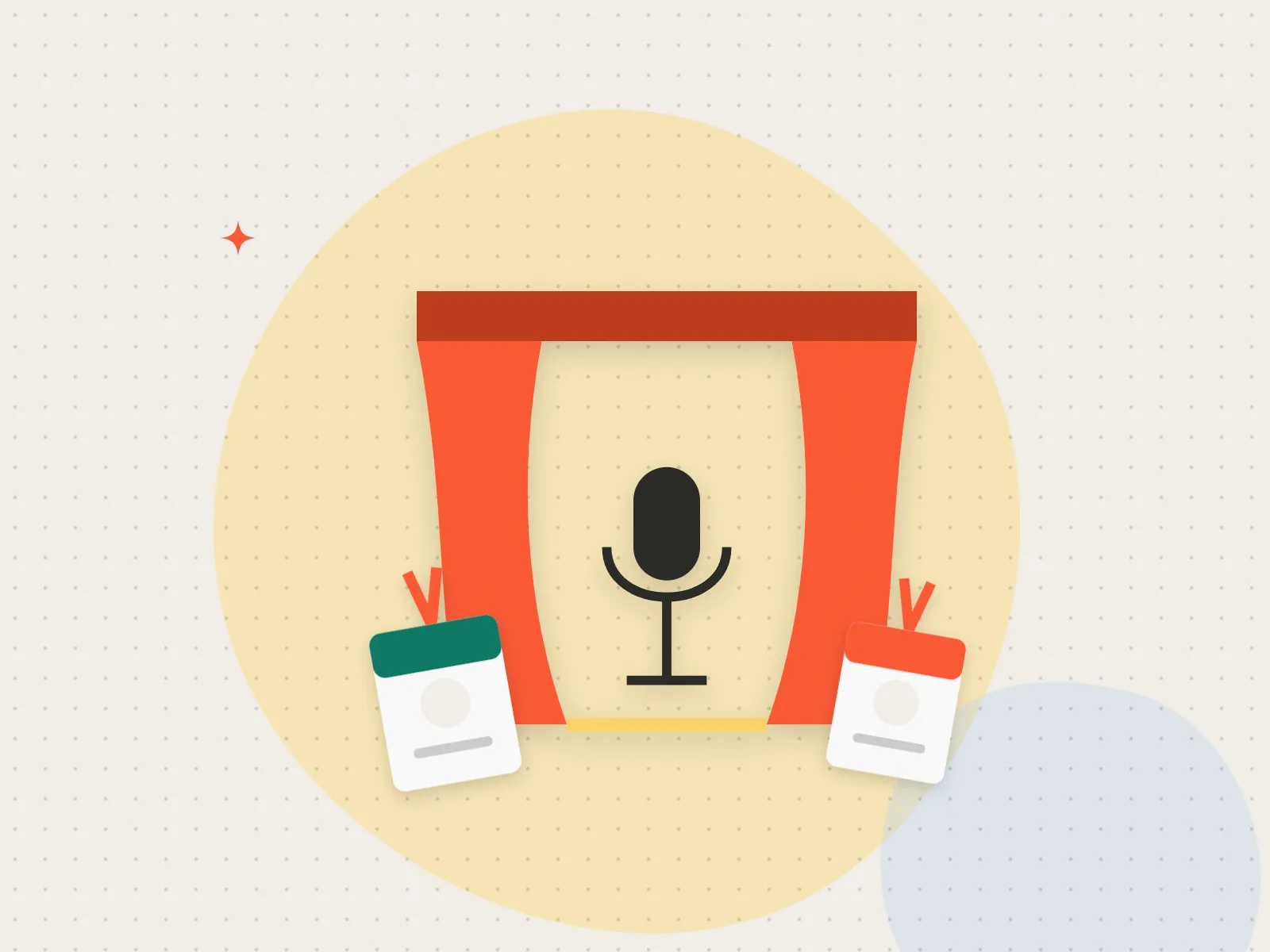
- A stage with red curtains, a microphone and two name badges: RiLiFi, CC0
More for this event
Start free
Present it live with your group.
People join from their phones with a PIN. No app to install, free for up to 100 people per session.